A native Homebrew app for macOS
Keep watch over Homebrew.
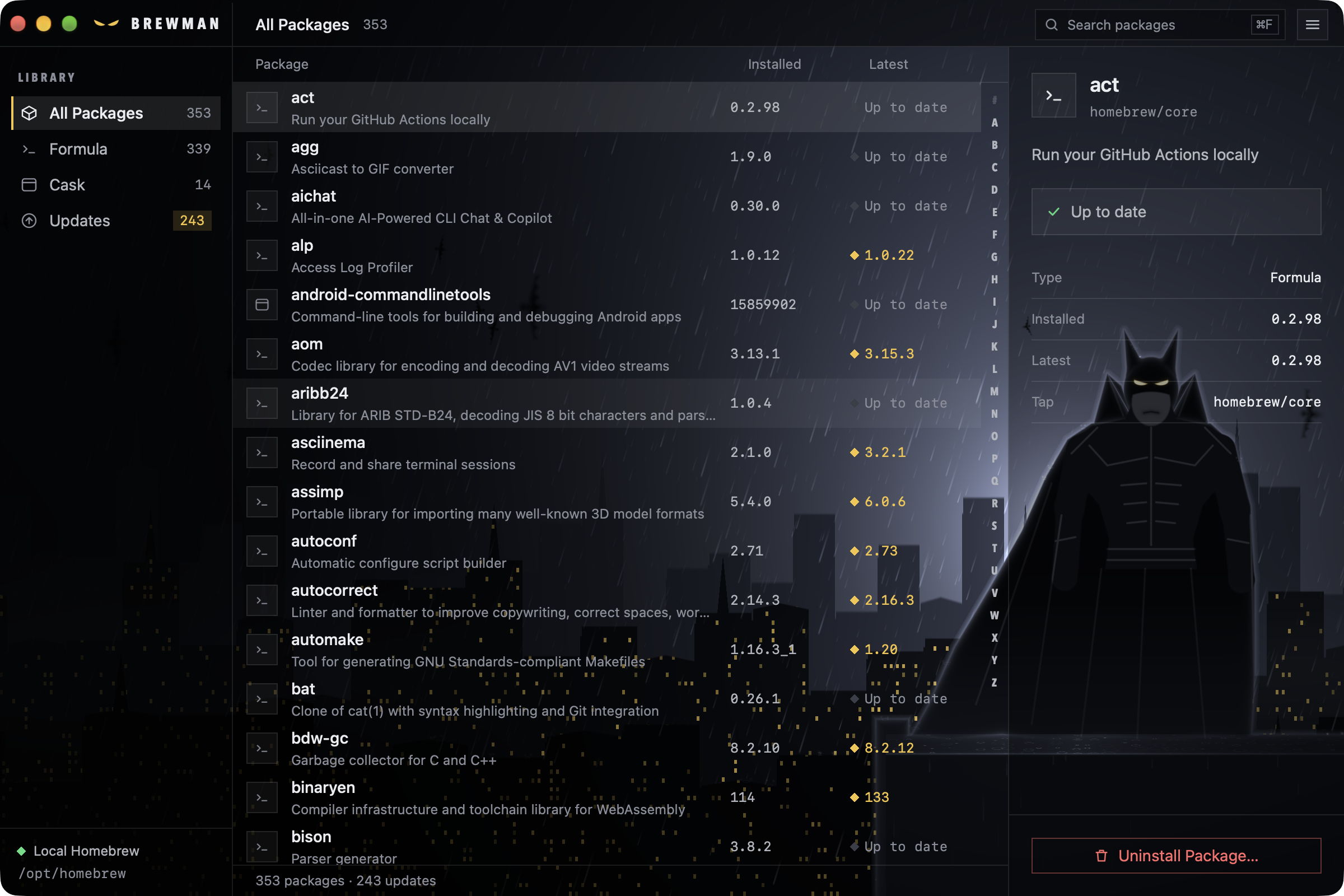
Brewman lists every formula and cask Homebrew has installed, shows which ones are out of date, and upgrades or uninstalls them from one window. No terminal session to keep open.
macOS · Apple silicon and Intel · MIT licensed
Install
curl -fsSL https://huacnlee.github.io/brewman/install.sh | shRequires macOS on Apple silicon or Intel, with Homebrew installed. You can also download Brewman.app directly from GitHub Releases ↗
Check. Upgrade. Clean up.
From “what did I install?” to an up-to-date machine, in one window.
Open it.
Brewman reads what Homebrew has installed and lists every formula and cask. Filter by All, Formula, Cask or Updates.
Update Homebrew.
One button runs brew update and then asks Homebrew what is outdated. Packages with a newer version show up under Updates.
Upgrade or remove.
Select a package to see its installed and latest versions, then upgrade it. Uninstalling always asks you to confirm first.
Everything Homebrew knows, in plain sight.
- Formulae and casks together
- One list for command-line tools and apps, with a count for each category so you always know how much is installed.
- Search as you type
- Press ⌘F and start typing to narrow the list to the package you are looking for.
- A detail inspector
- The description, installed version next to the latest one, the tap it comes from and its dependencies, all beside the list.
- Updates you can act on
- Outdated packages are marked in gold, and the inspector offers to upgrade the one you selected.
- Removal takes a decision
- Uninstall asks for confirmation in a dialog before Homebrew removes anything. A right-click menu on each row puts the same actions at hand.
- Native, not a web view
- Built with Native Shell in TSX and rendered with native AppKit views, so it looks, scrolls and responds like a Mac app.