Android
Android 9+ · ARM64 and x86_64
Download APK · v0.2.0 ↓- Open the downloaded APK on your phone.
- If prompted, allow your browser or file manager to install unknown apps, then tap Install.
- Install newer APKs over the existing app to update.
Made for Omarchy
Omasend brings files, screenshots and text from your Omarchy desktop to your other devices. It speaks the LocalSend protocol, so every LocalSend app is already a device you can reach.
LocalSend protocol · Local network · No account
curl -fsSL https://huacnlee.github.io/omasend/install.sh | shirm https://huacnlee.github.io/omasend/install.ps1 | iexAndroid 9+ · ARM64 and x86_64
Download APK · v0.2.0 ↓iOS 15+ · unsigned IPA · signing required
Download unsigned IPA · v0.2.0 ↓Keep Omasend open on both devices and connect them to the same local network. Allow Local Network access on iOS when prompted. Full installation guide ↗
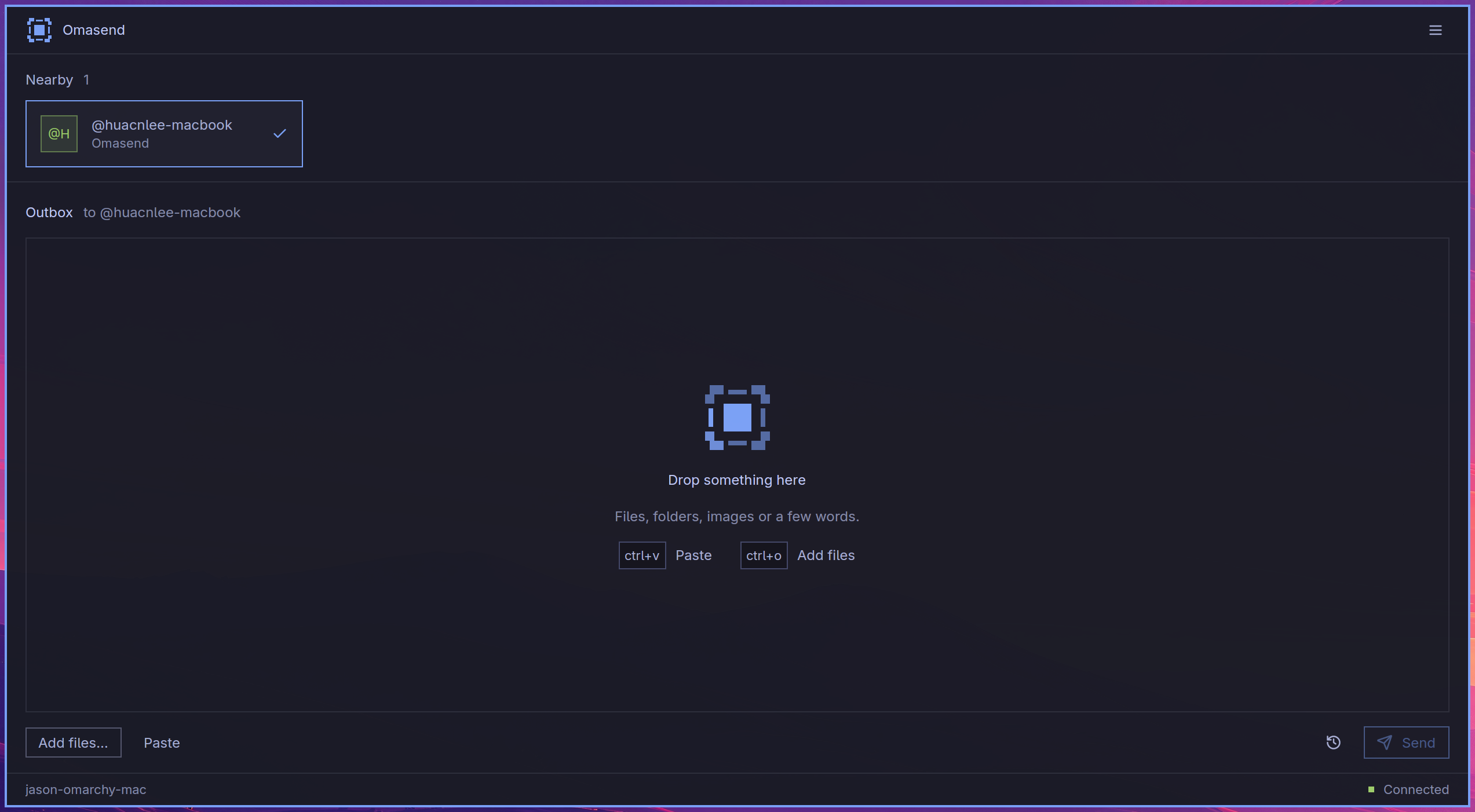
A screenshot, a recording, a folder, a thought. Everything starts in the same composer.
Copy an image, a file or some text. You can also drag files and folders into Omasend.
Open Omasend or LocalSend on your other device, on the same network. Nearby devices appear automatically.
Preview what you’re sending. Your recipient accepts the transfer; received files can be opened from transfer history.
Omasend speaks the LocalSend protocol, version 2.2, through the same Rust core LocalSend itself runs on. Devices announce themselves over multicast on port 53317, and files travel over HTTPS. LocalSend protocol ↗