01 What it looks like
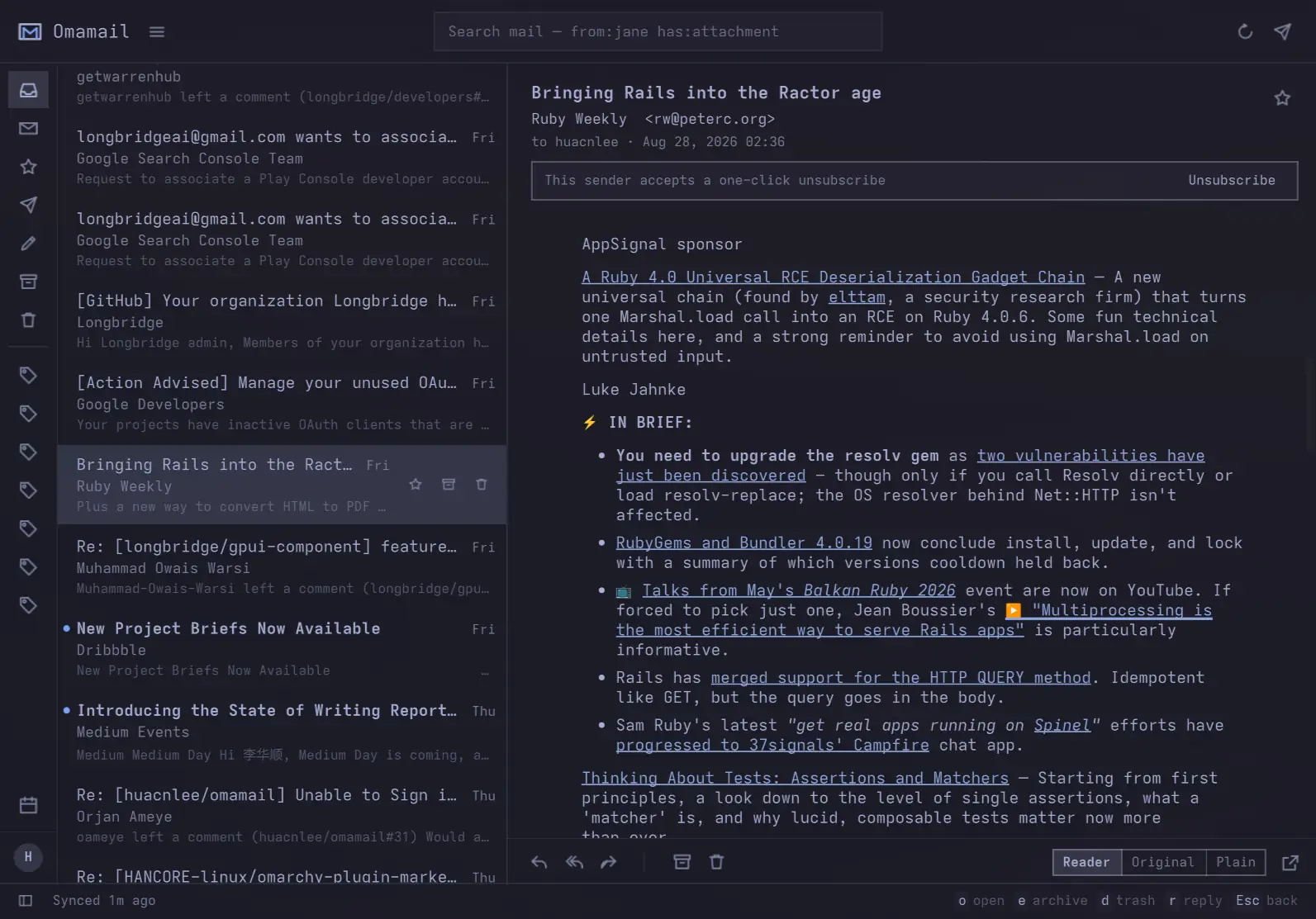
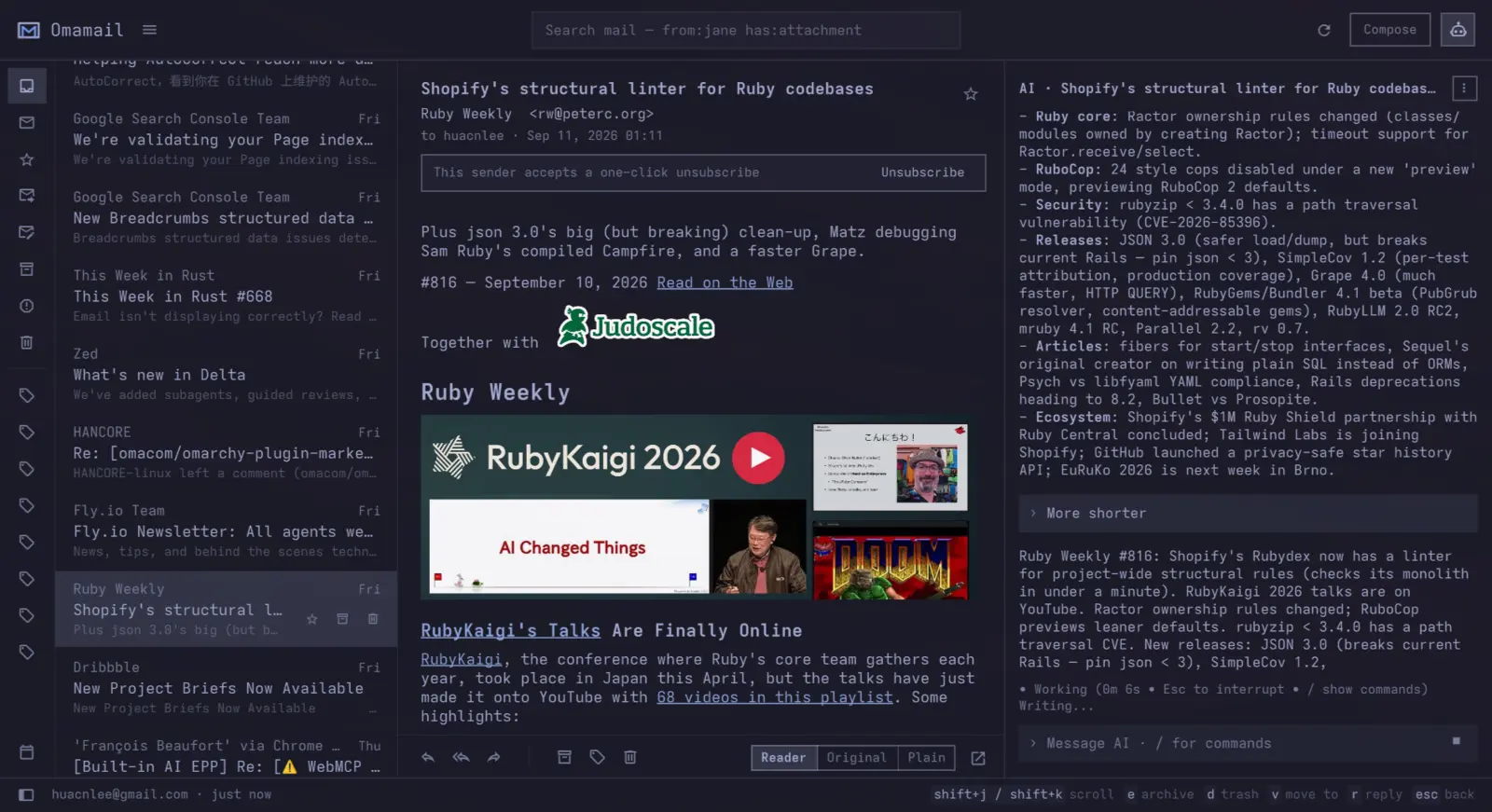
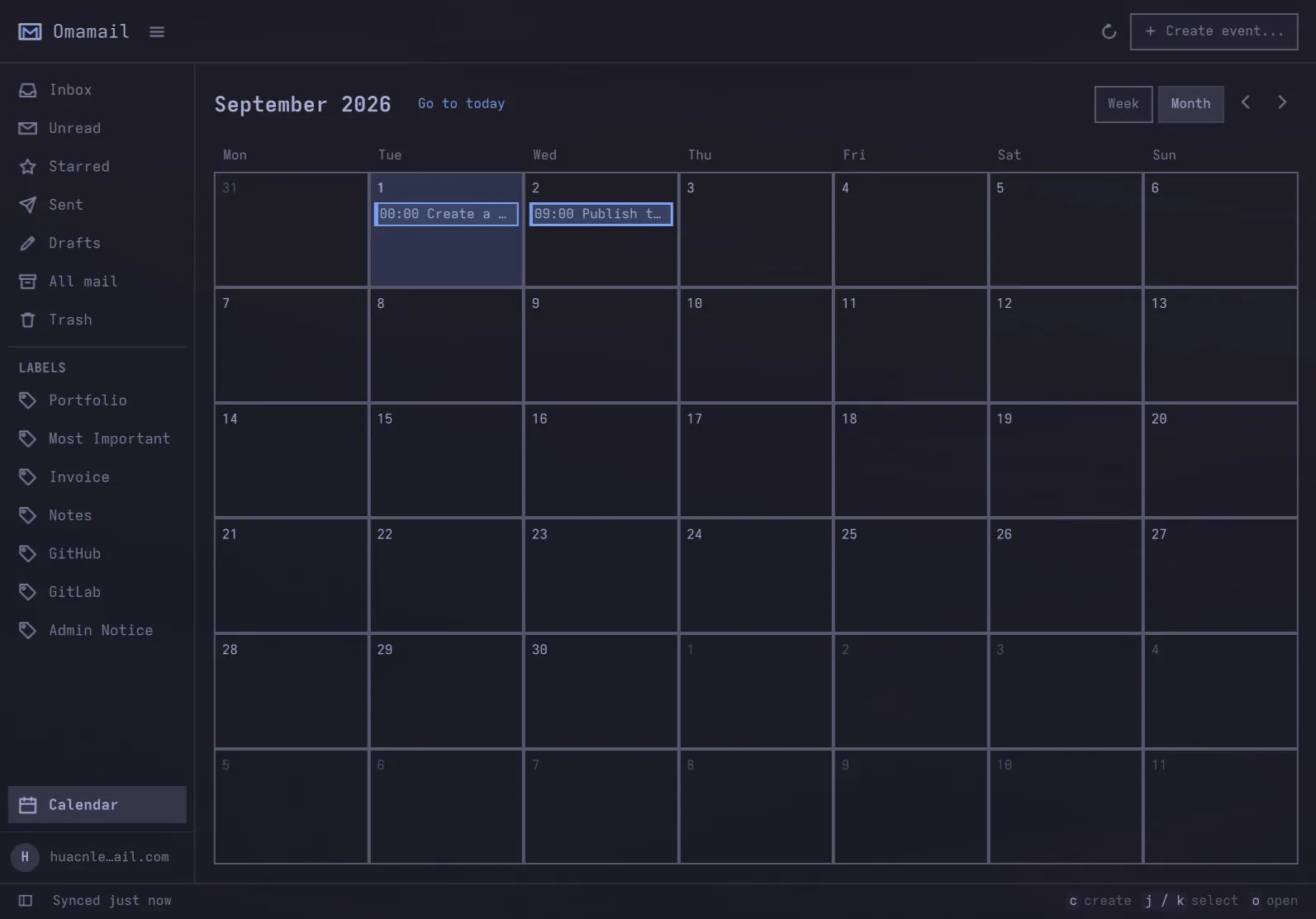
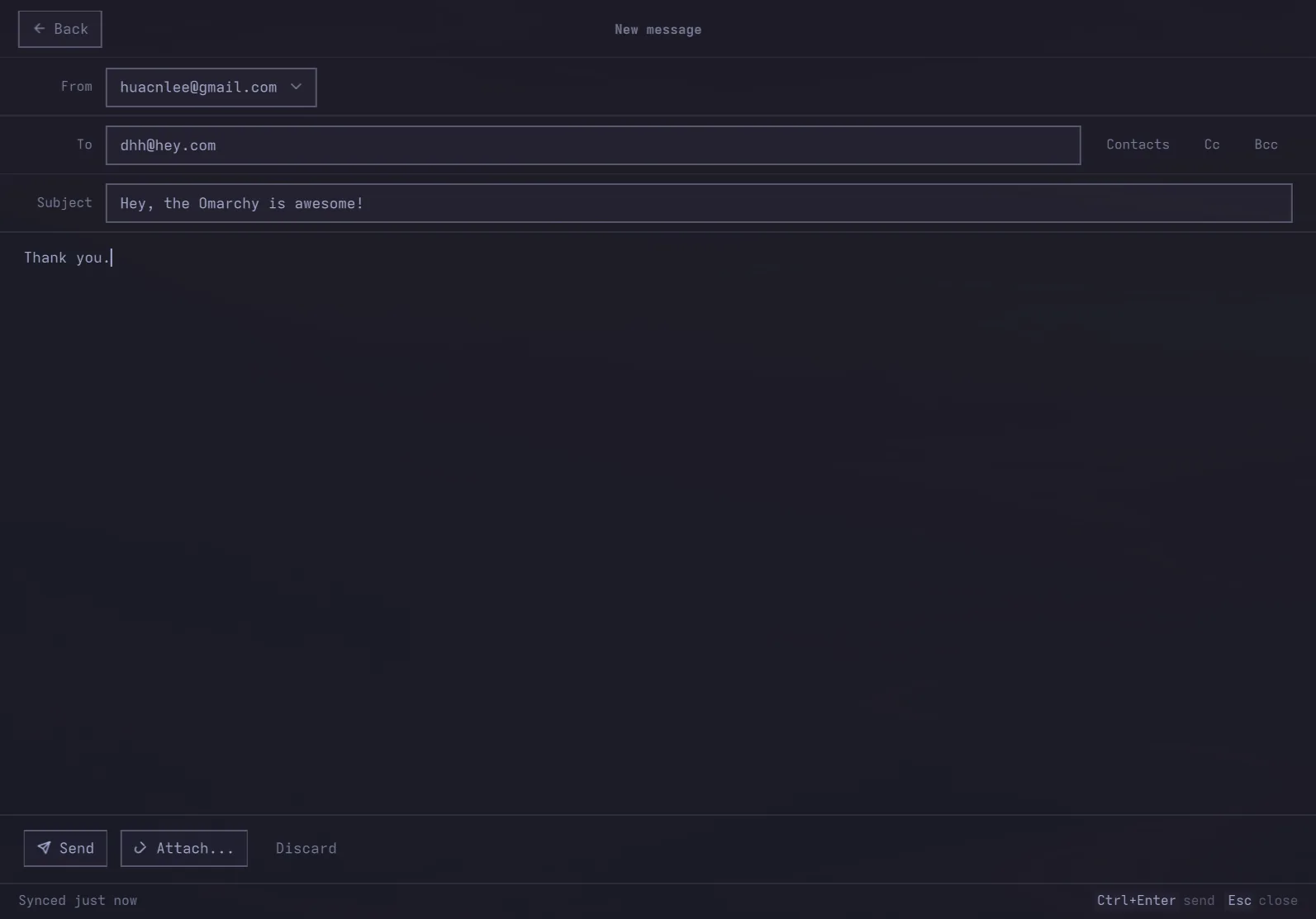
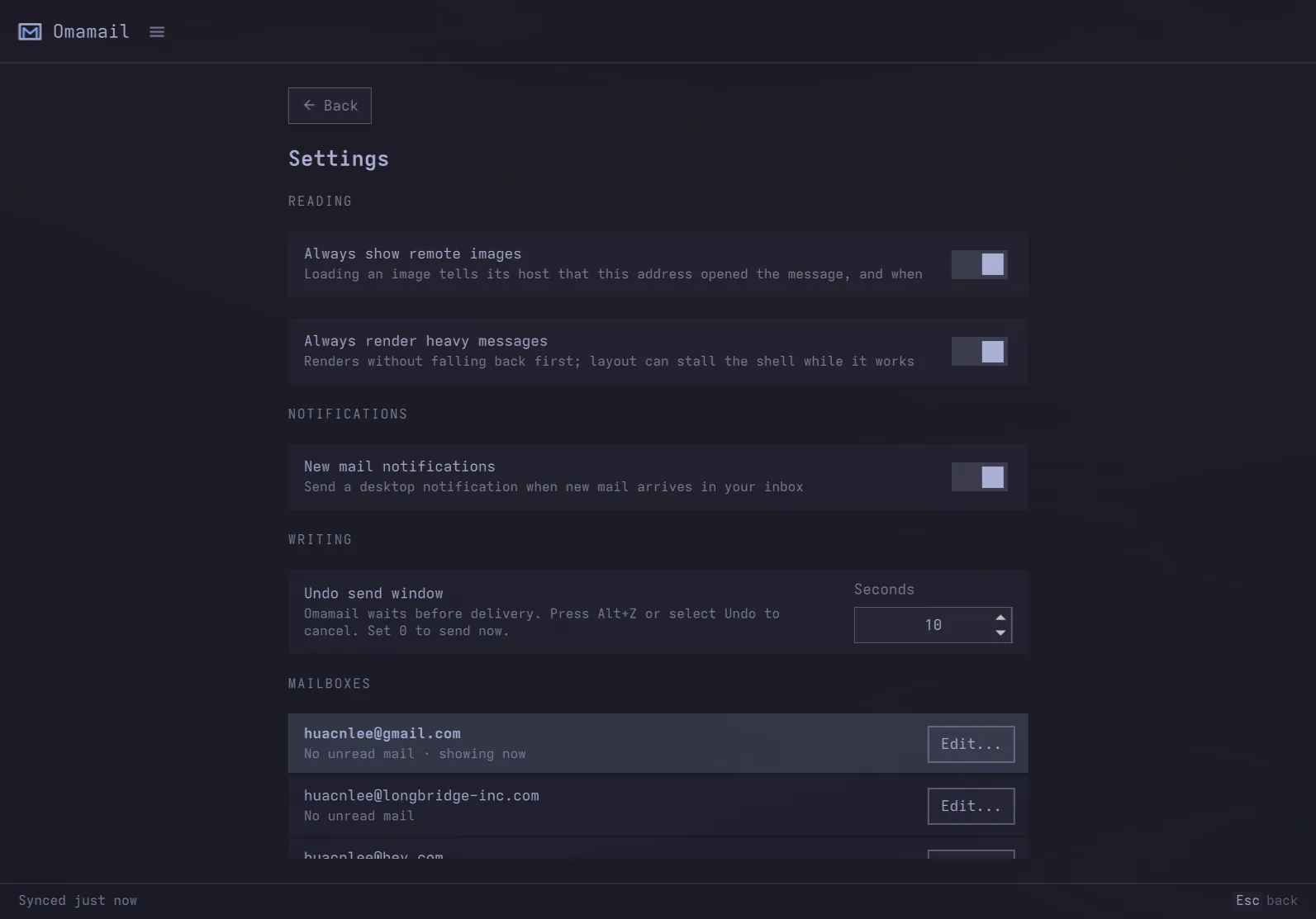
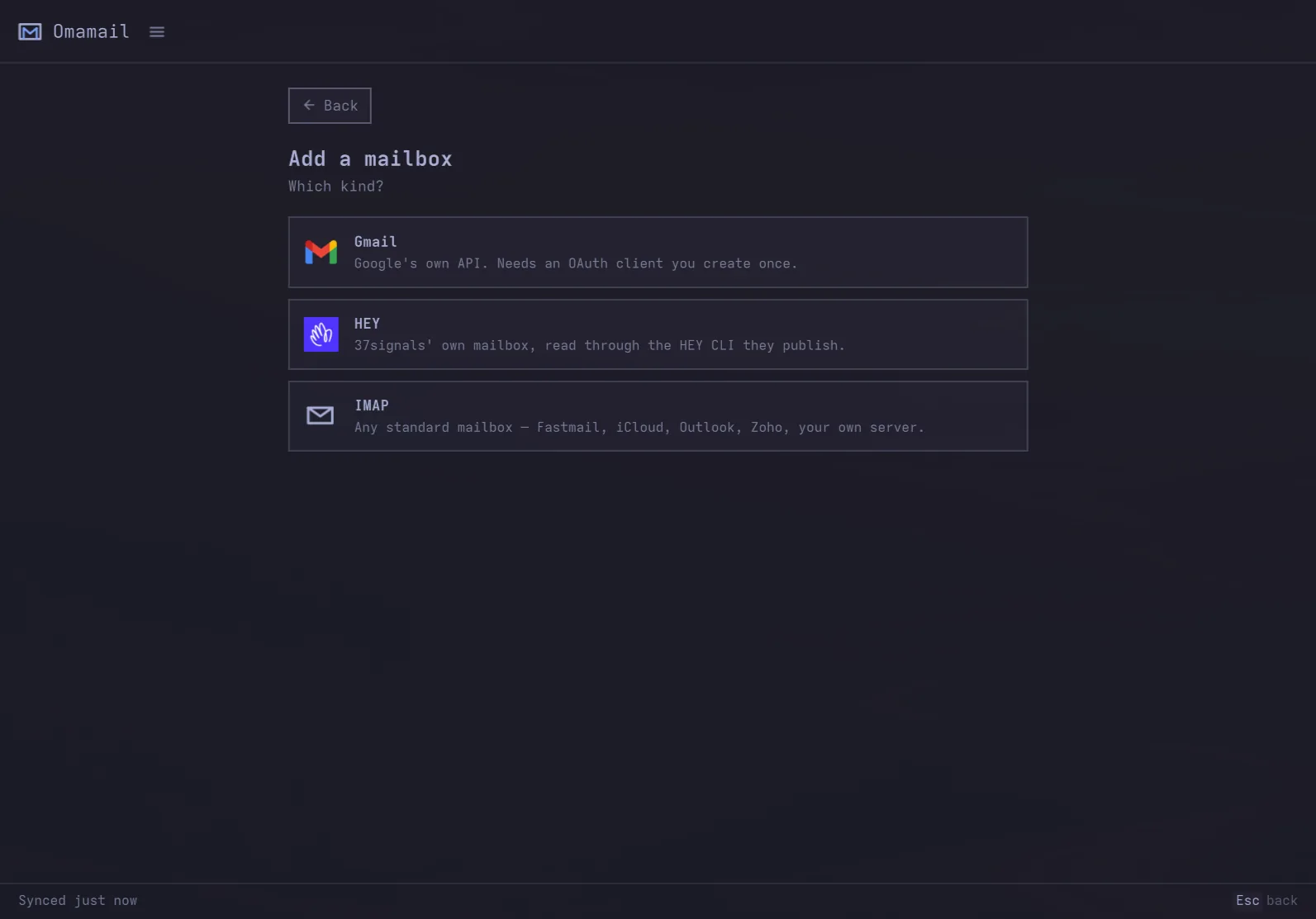
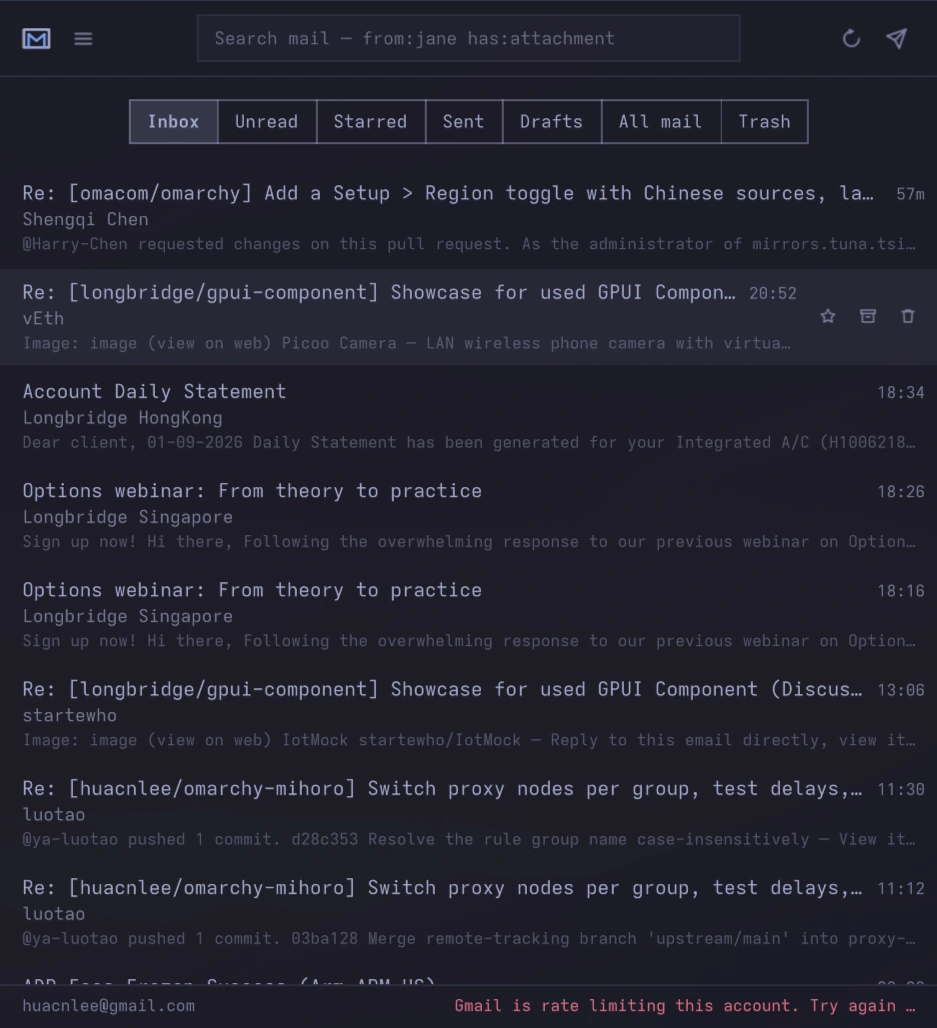
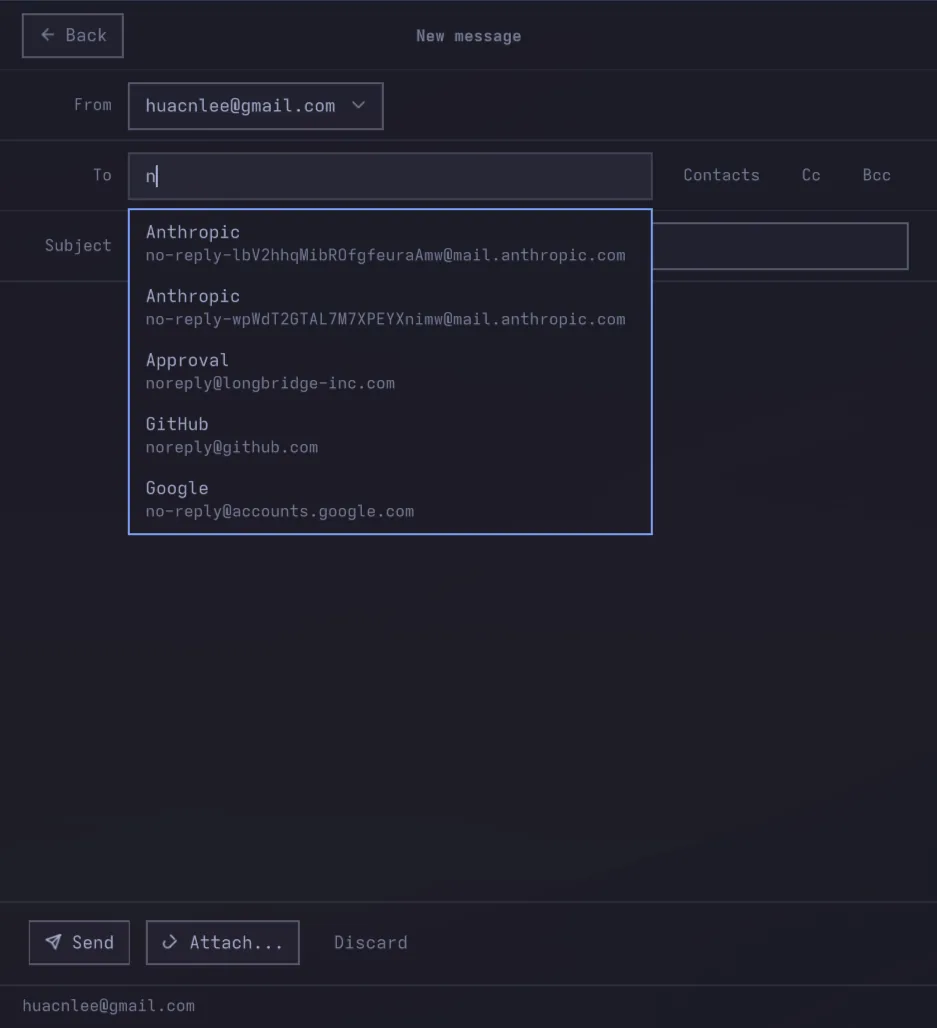
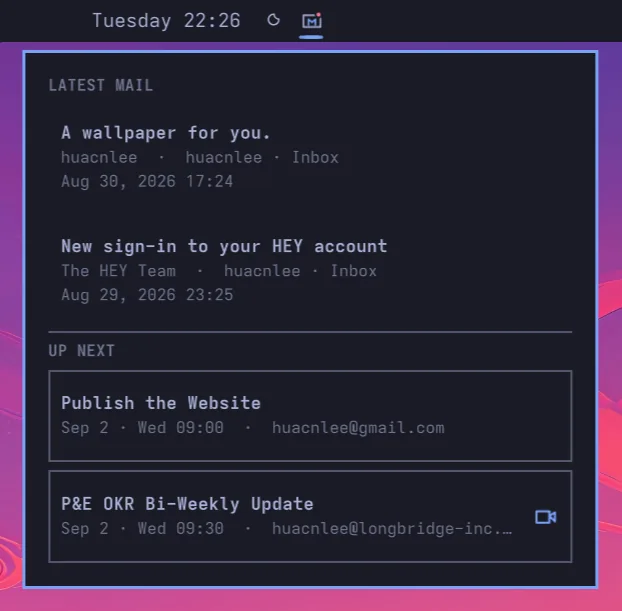
Three columns when there is room, one when there is not — a real Hyprland window, tiled like any other.
FULL WINDOW
MINI SIZE
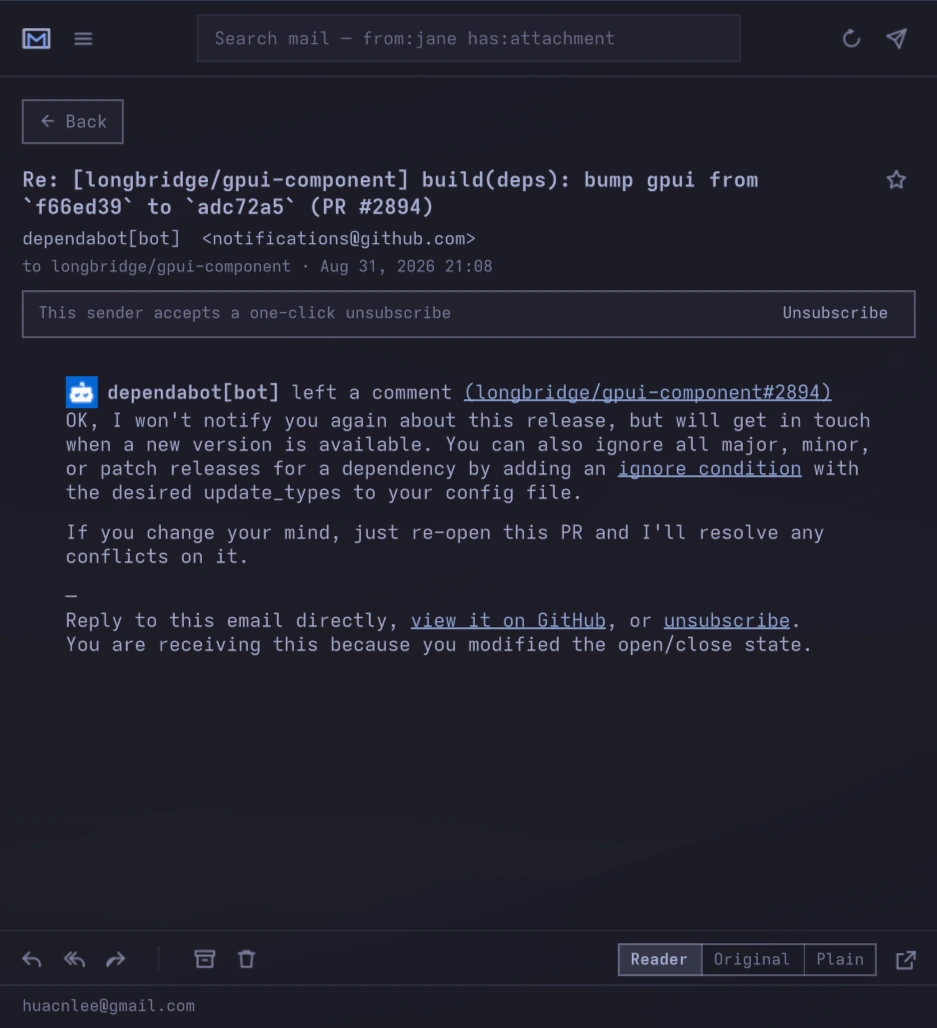
BAR PREVIEW
02 Mailboxes it can open
Four kinds of mailbox, one window. What a mailbox cannot do, the panel does not offer.
 Gmail
Gmail
SIGN IN WITH GOOGLE
Labels, conversations, Gmail's own search syntax, and a report-spam that Google actually learns from.
Outlook
SIGN IN WITH MICROSOFTOutlook.com, Hotmail, Live and MSN over OAuth — Omamail never sees the account password.
 HEY
HEY
THROUGH THE HEY CLI
No address and no password — the HEY CLI 37signals publish holds the token.
IMAP
AN ADDRESS AND AN APP PASSWORDFastmail, iCloud, Yahoo, Zoho, GMX, Proton through its Bridge, or a server of your own.
03 What it does
Designed to sit inside Omarchy, not to look like a web app in a window.
- 01Monospace, square, denseNothing on screen that is not your mail.
- 02Keyboard-firstMove, archive, star, reply, compose, switch mailbox, switch account, search.
- 03A dot, not a numberThe envelope shows a dot when mail is waiting and nothing when it is not — never a count. A number is never zero on a busy mailbox, is rarely right anyway, and asks to be worked down. Works while the window is shut, for every account, with a notification when new mail lands.
- 04One windowRead, archive, star, trash, search and answer without a second window taking a region of its own.
- 05Invitations you can answerRead out of the message's own calendar part and drawn as a meeting, in your clock rather than the organiser's. Yes, Maybe and No answer the organiser. Gmail and IMAP alike; not HEY.
- 06Off a list in one clickA newsletter that supports one-click unsubscribing is unsubscribed from without leaving the window. Nothing is ever fetched from a sender's address until you ask.
- 07Images stay blockedLoading a sender's pictures tells them the mail was read, from which address and when. They load when you ask, for that one message.
- 08Your themeEvery colour comes from the active Omarchy theme, so the mailbox changes the moment the desktop does.
- 09Keyring-backedGmail and Outlook refresh tokens and every IMAP password live in GNOME Keyring — never in a config file, never on a command line.
- 10Several mailboxesEach with its own inbox, cache and unread count. List, labels and profile are cached per account, so switching never waits on the network.
- 11mailto: linksOnce the plugin is enabled, clicking an address anywhere on the desktop opens compose here.
- 12Undo sendOutgoing mail is delayed by ten seconds so you can cancel it. Set it to 0 to send immediately.
04 Keys
The keyboard belongs to the application, and the context says what a key means where. Every binding lives in one table; the shortcut sheet and the status-bar hints render from it.
| Key | What it does |
|---|---|
| j/k Shift+J/Shift+K | Move down / up; scroll the open message down / up |
| Right/Left | Open the selected message / return to the list |
| Returnoro | Open the selected message |
| Escape | Back to the list; close the window from the list |
| e | Archive |
| d | Move to trash |
| s | Star or unstar |
| Shift + I/Shift + U | Mark read / unread |
| r/a/f | Reply, reply all, forward |
| c | Compose |
| Ctrl + Return | Send |
| / | Search |
| Alt + 1 … Alt + 0 | The mailbox with that number on the rail — hold Alt and the rail says which is which |
| Alt + A | Switch account |
| Ctrl + =/Ctrl + -/Ctrl + 0 | Zoom the message body, or reset it |
| F5/Ctrl + R | Check for mail |
| ? | Every shortcut |
05 What it does not do
No embedded browser. A message opens in a reading view Omamail builds itself: headings, paragraphs, lists and links in your own type at a readable measure, with none of the sender's presentation in it. The sender's own layout is one click away, and that one renders through Qt's own rich text engine. A browser engine cannot be embedded in a plugin at all: QtWebEngineQuick::initialize() has to run before the host process builds its QGuiApplication, and a plugin loads long after that.
No attachment downloads. Not yet.
It will not knock on your own network's door. Images pointed at this machine or at the network around it — loopback, private addresses, .local names, file: — are never fetched at all, however often you ask.
06 Install
Omarchy plugin
INSTALL
$ omarchy plugin add https://github.com/huacnlee/omamail.git --enable
Then click the envelope in the bar. To open it from the keyboard, add this to ~/.config/hypr/bindings.lua:
o.bind("SUPER + SHIFT + G", "Omamail",
       "omarchy shell shell toggle omamail '{}'")
The target is shell, not the plugin id: the window is summoned by the shell, which is what loads it in the first place.
Requires Omarchy 4, plus socat, secret-tool, openssl, xdg-open and curl — all of which Omarchy already ships. A HEY mailbox additionally needs hey.
REMOVE
$ omarchy plugin remove omamail
That takes the plugin itself. Nothing it wrote lives inside your Omarchy config, so removing those is separate and entirely up to you:
$ secret-tool clear service omamail  # credentials
$ hey auth logout                    # HEY session
$ rm -rf ~/.config/omamail           # accounts
$ rm -rf ~/.cache/omamail            # cached mail
Signing out from inside the app clears the keyring entry on its own. The plugin never edits your shell, Hyprland or theme configuration.
Standalone desktop app
The standalone app includes mail, calendar and native desktop notifications. This release does not include the system tray, AI assistance or mailto: registration. Each installer verifies the release package before replacing an existing version.
$ curl -fsSL https://huacnlee.github.io/omamail/install.sh | sh
$ curl -fsSL https://huacnlee.github.io/omamail/install.sh | sh
> irm https://huacnlee.github.io/omamail/install.ps1 | iex
Run from source
Developers with Rust, CMake 3.21+ and Qt 6.5+ can launch the standalone app from the repository root.
$ make app-run