Built with NSH
A native Spotify
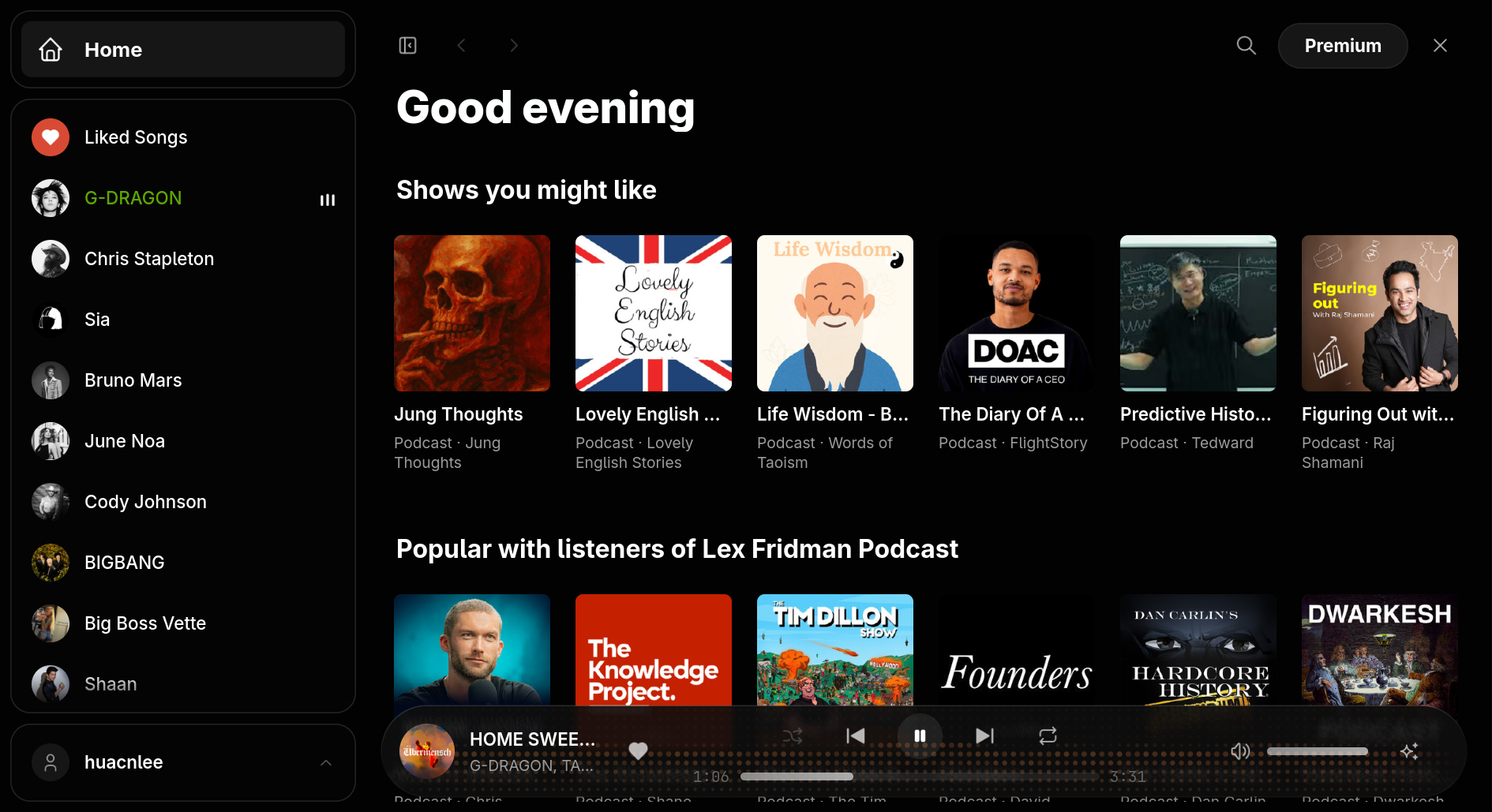
Spotish is an unofficial, native desktop client that works with your Spotify account, free or Premium. Spotify's own web player plays out of sight in your installed browser, behind an interface drawn natively by NSH instead of a full web app.
Spotish keeps Spotify's ads. To remove them, play any track on demand and support artists, get Premium. Get Spotify Premium ↗
Install
curl -fsSL https://huacnlee.github.io/spotish/install.sh | bashirm https://huacnlee.github.io/spotish/install.ps1 | iexApple silicon on macOS 14 or later, x86_64 Linux with GTK 4.14 or later, or x86_64 Windows; plus Chrome, Chromium, Edge or Brave, and a Spotify account. macOS builds are not notarized, so the first launch may need approval in Privacy & Security.
How it works
Spotish drives Spotify's own web player and shows its own native interface for it.
Native shell
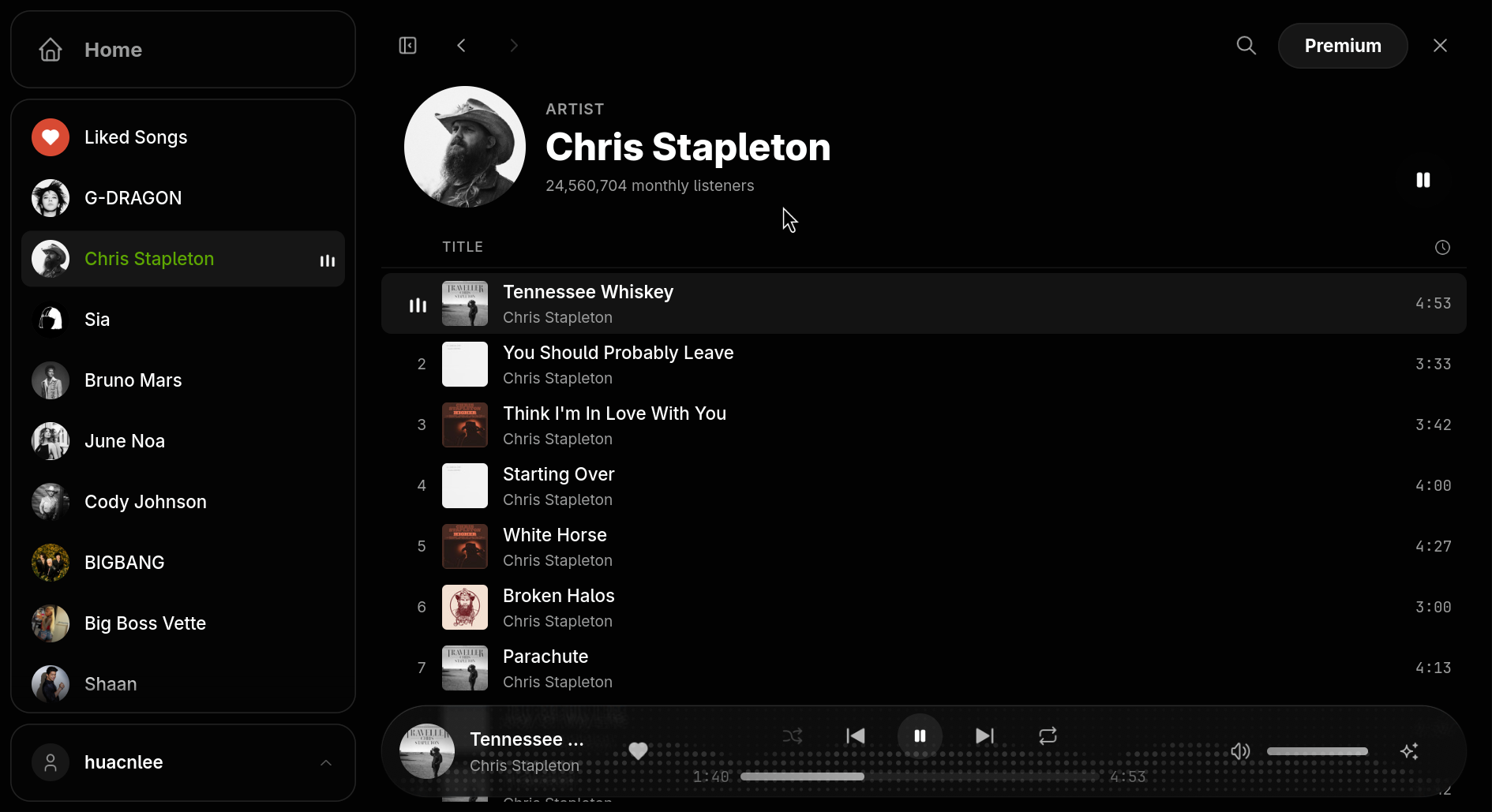
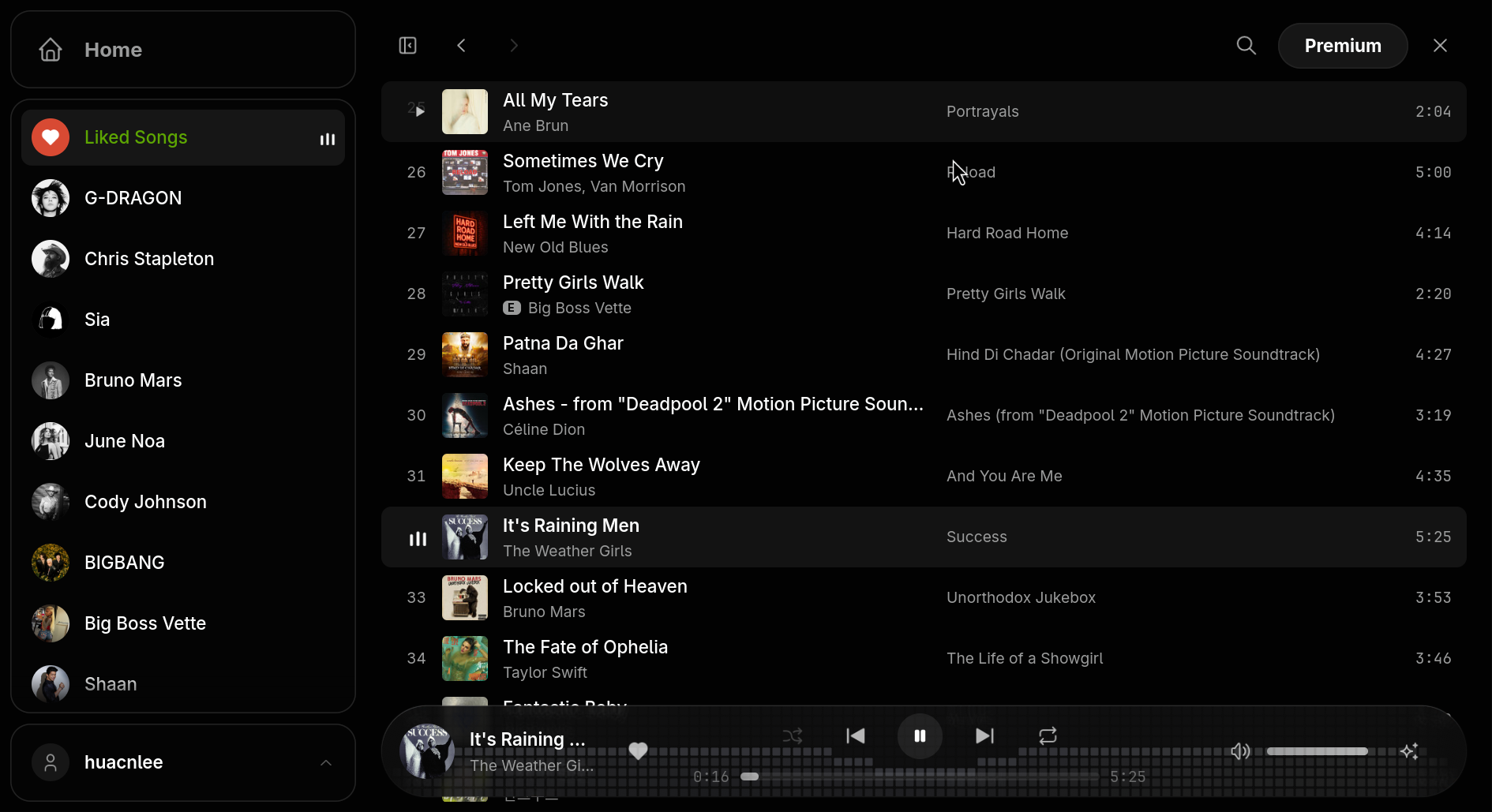
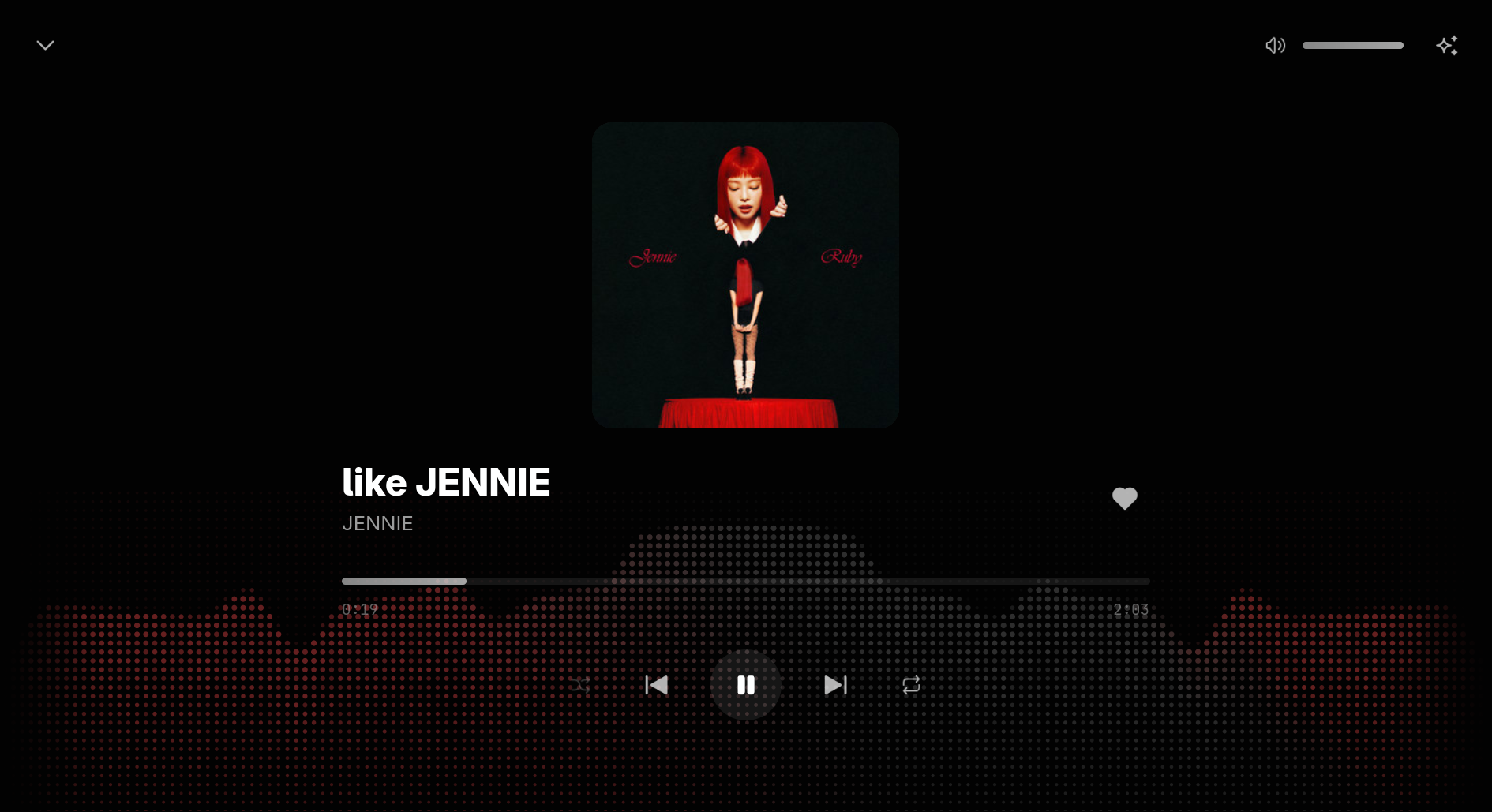
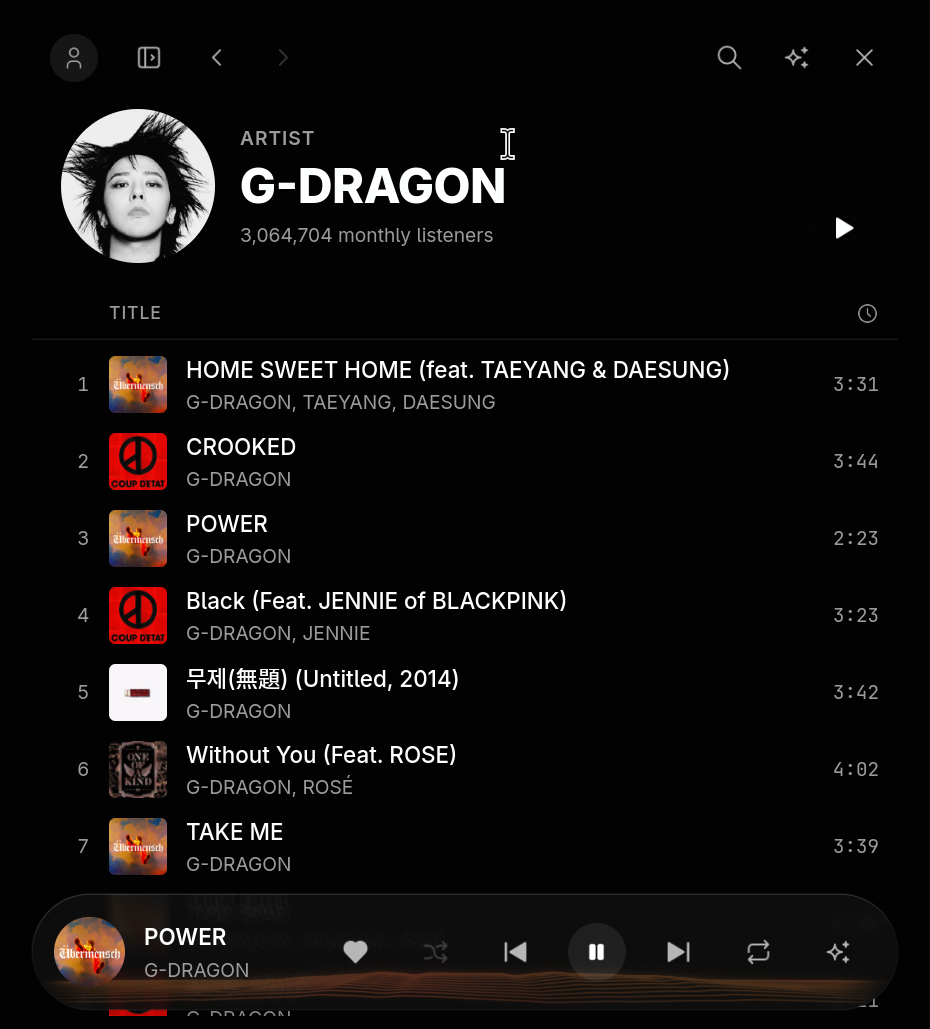
The whole interface — sidebar, lists, the player bar and Now Playing — is drawn natively by NSH, not in a web page.
Your account plays
Your installed Chrome, Chromium, Edge or Brave runs Spotify's web player out of sight; your account does the playing, so the catalogue, your library and the ads all work as Spotify intends.
One sign-in
Sign in once (or reuse a browser you're already signed in to); Spotish remembers it and takes over playback.
What you get
A real client, built to prove NSH for cross-platform apps.
Native, not a second browser
The UI is native views on a Rust engine — no Electron, no embedded web app rendering the whole screen.
Adaptive layout
A desktop workspace that collapses to an icon rail and becomes a phone layout with a bottom tab bar as the window narrows.
A focused Now Playing
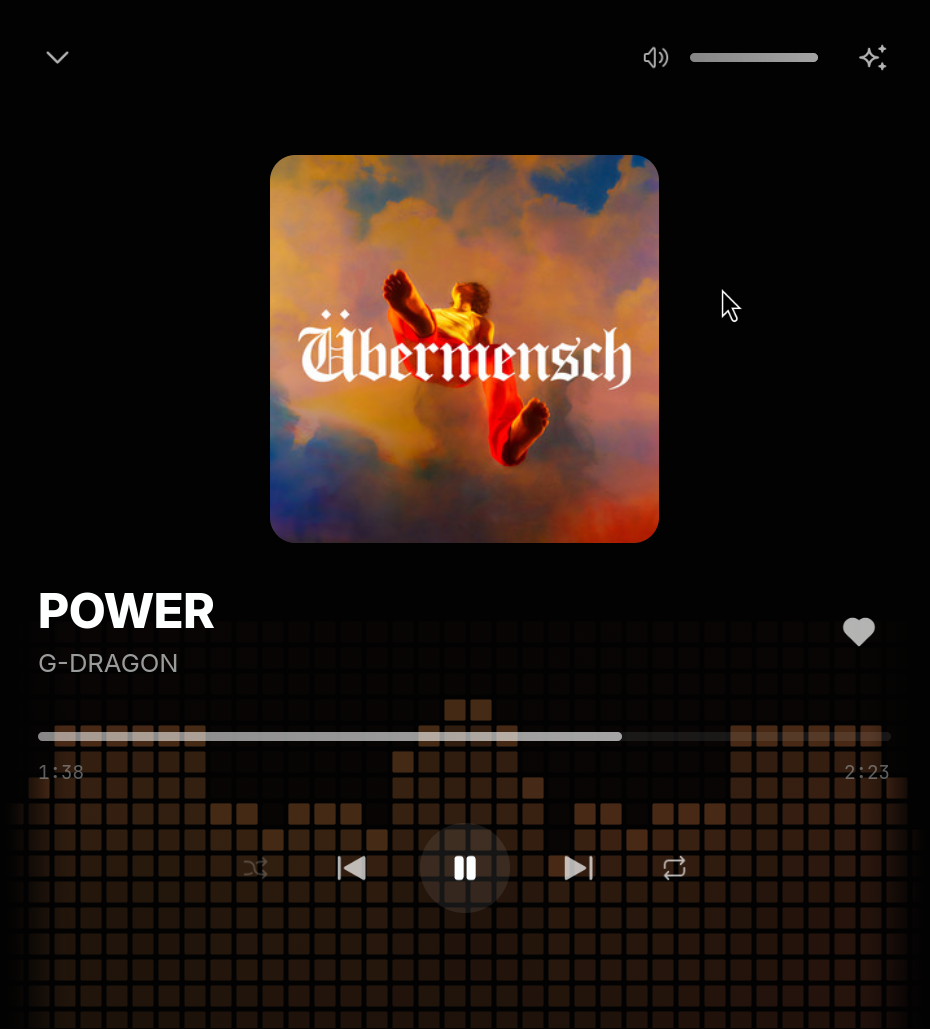
A full-screen view built around the album art, with the track's own colors and motion that stays out of the way.
Ads kept, Premium nudged
Spotish never blocks or skips Spotify's ads. Premium is how you remove them.
Reuse your login
Point it at a browser profile you're already signed in to for zero sign-in.
Follows your theme
Light and dark follow the system.
- Desktop — Linux and macOS play music; Windows plays through Edge.
- Terminal — The same app as a terminal UI, playing through the desktop engine.
- Web and mobile — A demo with sample data, and a planned remote control for your desktop Spotish: Spotify's free tier plays only in its web player, with DRM, in a real browser.
About this project
Spotish is an unofficial, personal experiment, not affiliated with, endorsed by, or sponsored by Spotify. It plays through Spotify's own web player, so a Spotify account is required and Spotify's terms apply. Spotish never blocks or skips Spotify's ads — Spotify Premium is how you remove them, and how you support the artists you listen to. All music and artwork belong to their rights holders.
Support the work
Spotish is free and open source (Apache-2.0). If it's useful to you, sponsoring the author keeps experiments like this going.
♥ Sponsor on GitHub