 Noop
Your own AI team
Your day can be a no-op.
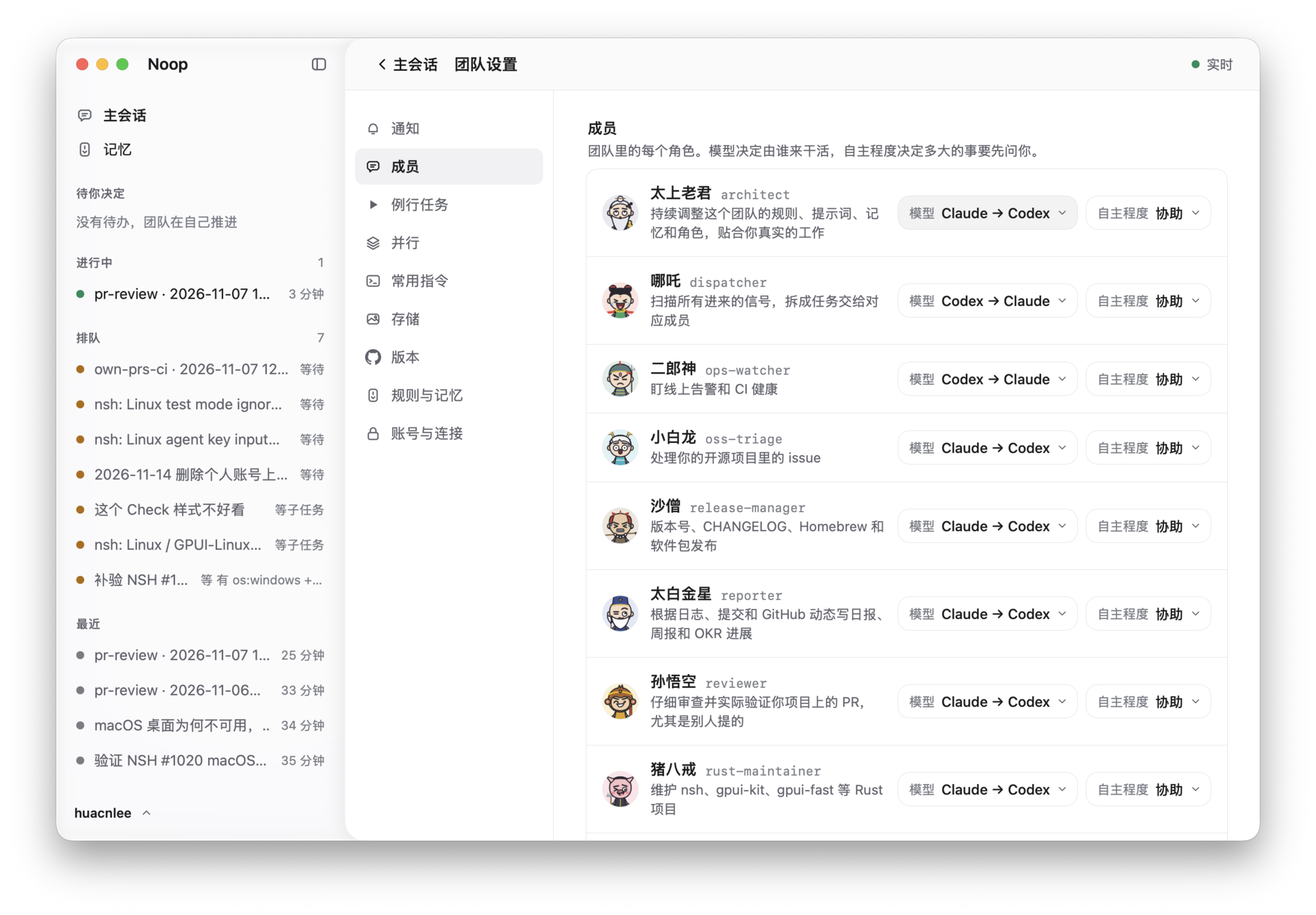
Noop runs a small team of Claude Code and Codex agents on your own computers. They do your daily work, decide what they can based on how you’ve decided before, and only ask you when something really needs you, with a short list of options.
Your machines · Your Cloudflare account · Open source
Install
curl -fsSL https://huacnlee.github.io/noop/install.sh | bash -s -- --primaryThe installer needs git, plus unzip if bun isn’t installed yet, and sets up bun for you. Install and log in to claude, codex and gh for full capability.
curl -fsSL https://huacnlee.github.io/noop/install.sh | bashirm https://huacnlee.github.io/noop/install.ps1 | iexThe installer needs git, plus unzip if bun isn’t installed yet, and sets up bun for you. Install and log in to claude, codex and gh for full capability.
curl -fsSL https://huacnlee.github.io/noop/install-client.sh | bashirm https://huacnlee.github.io/noop/install-client.ps1 | iex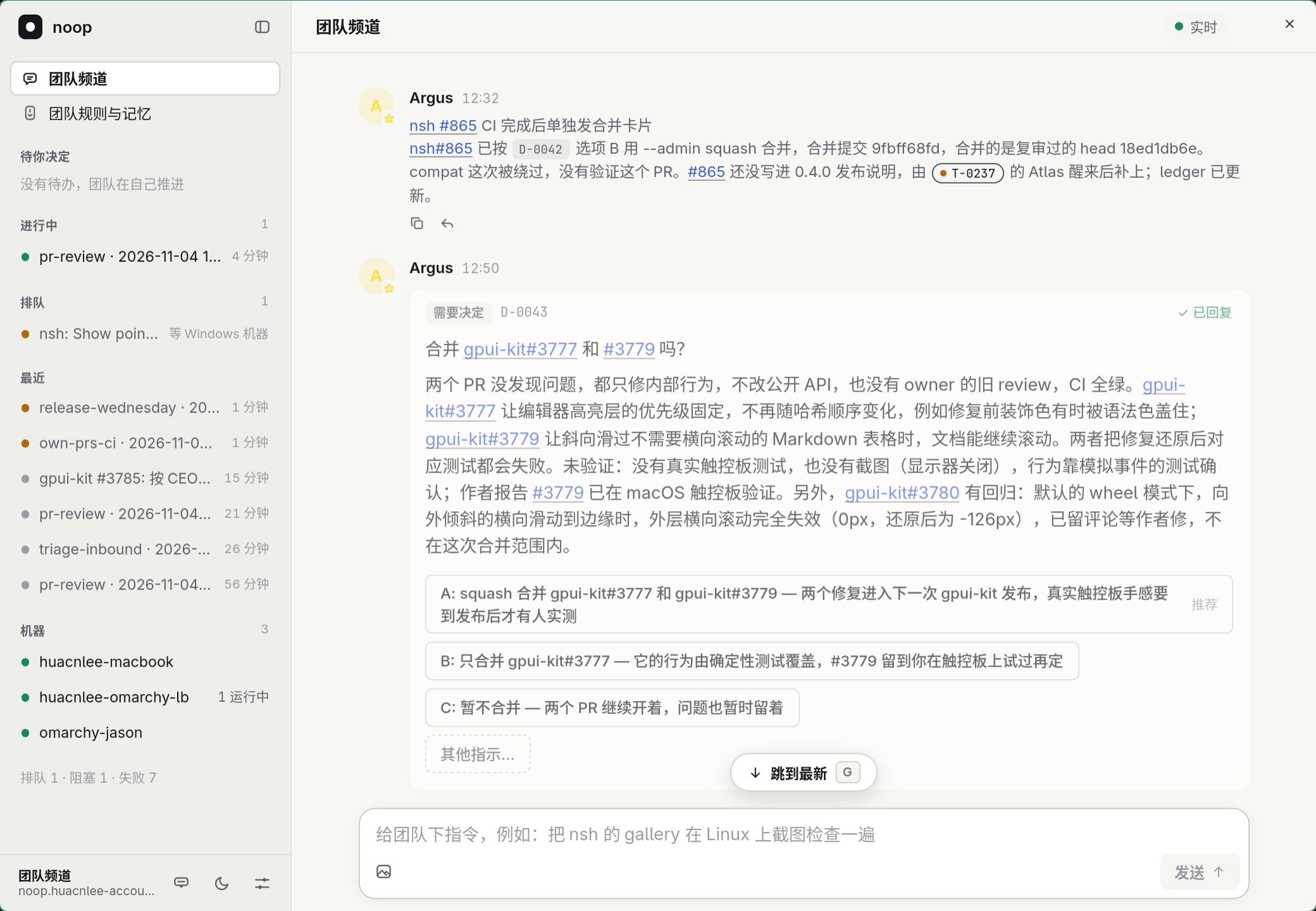
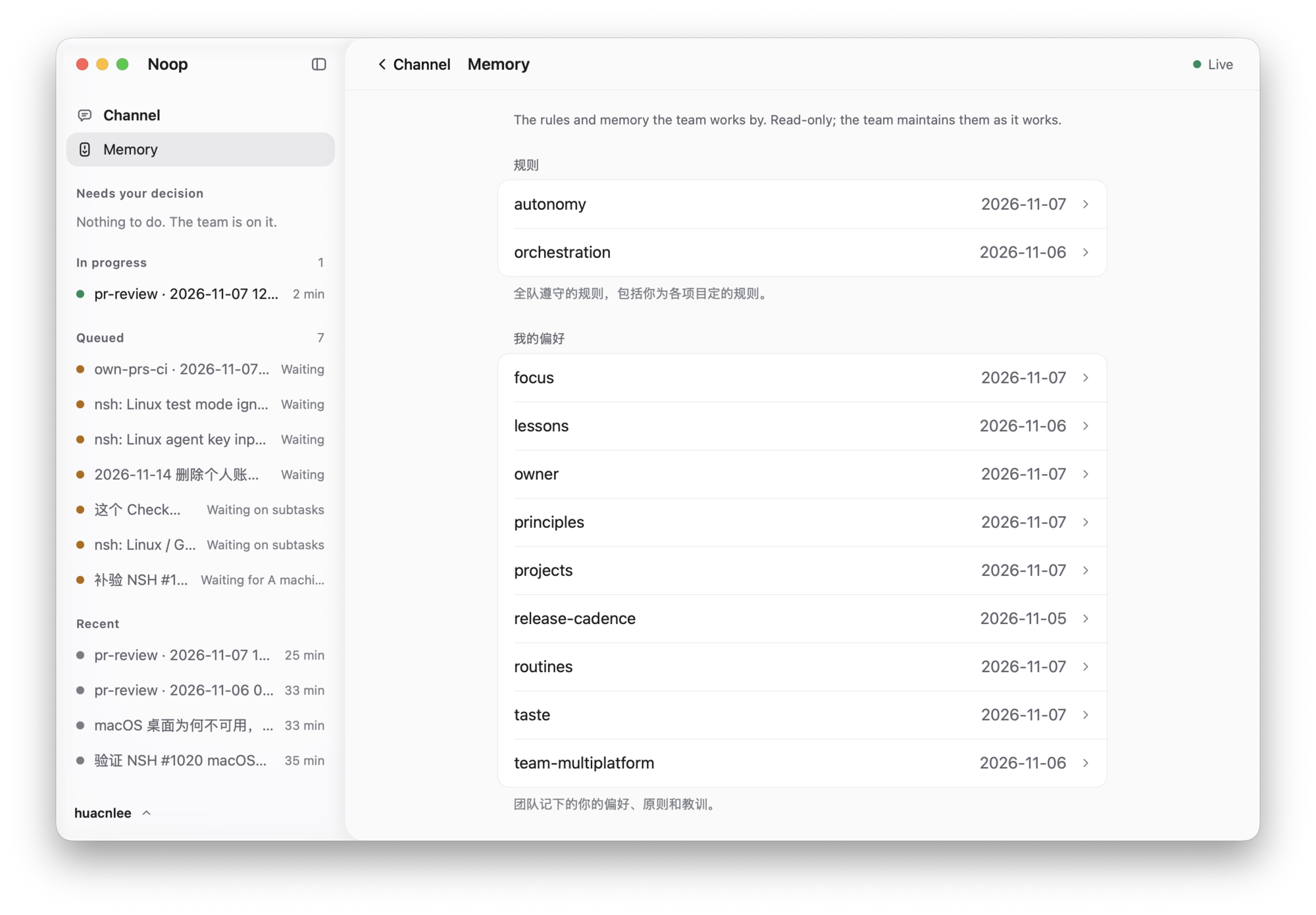
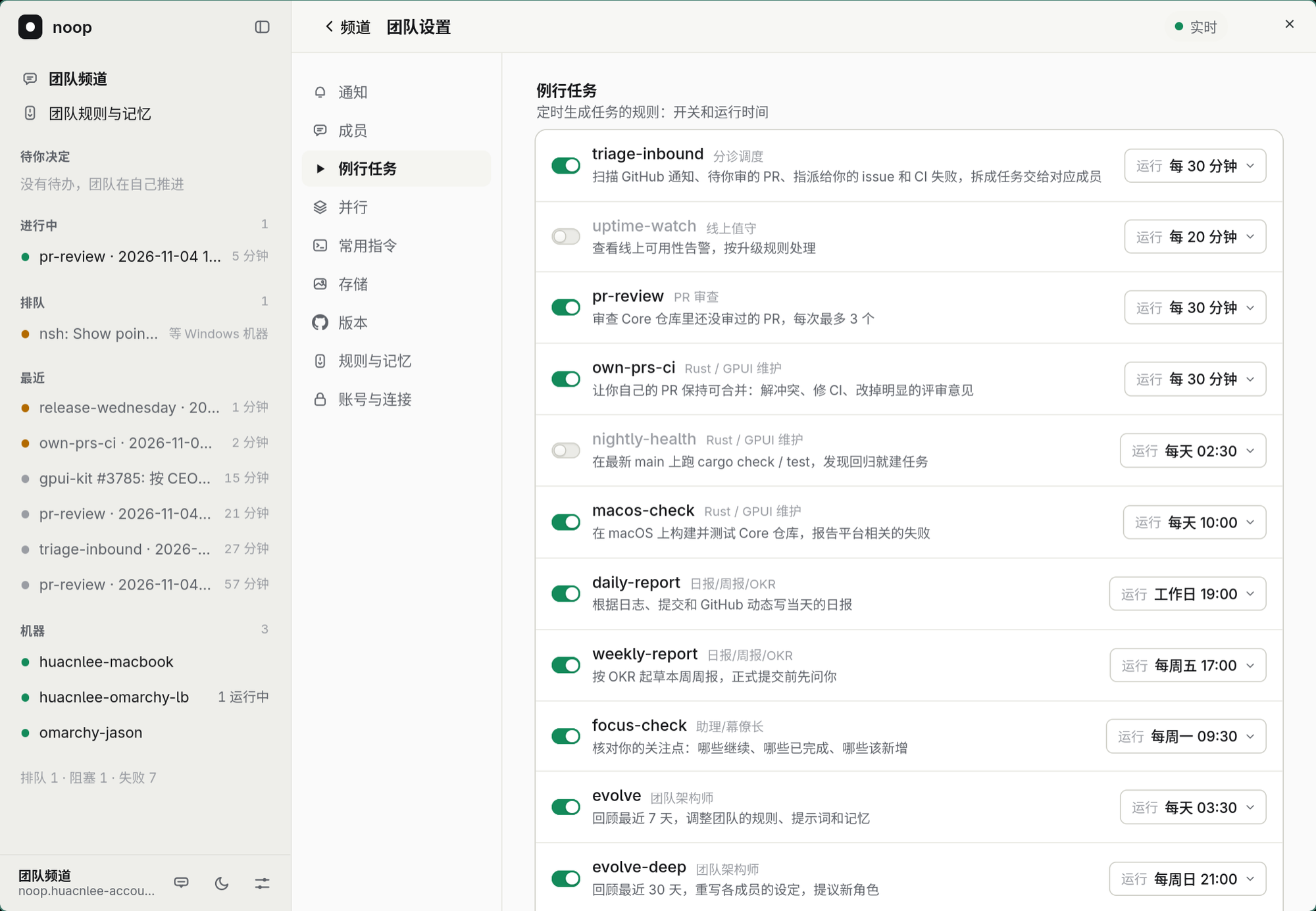
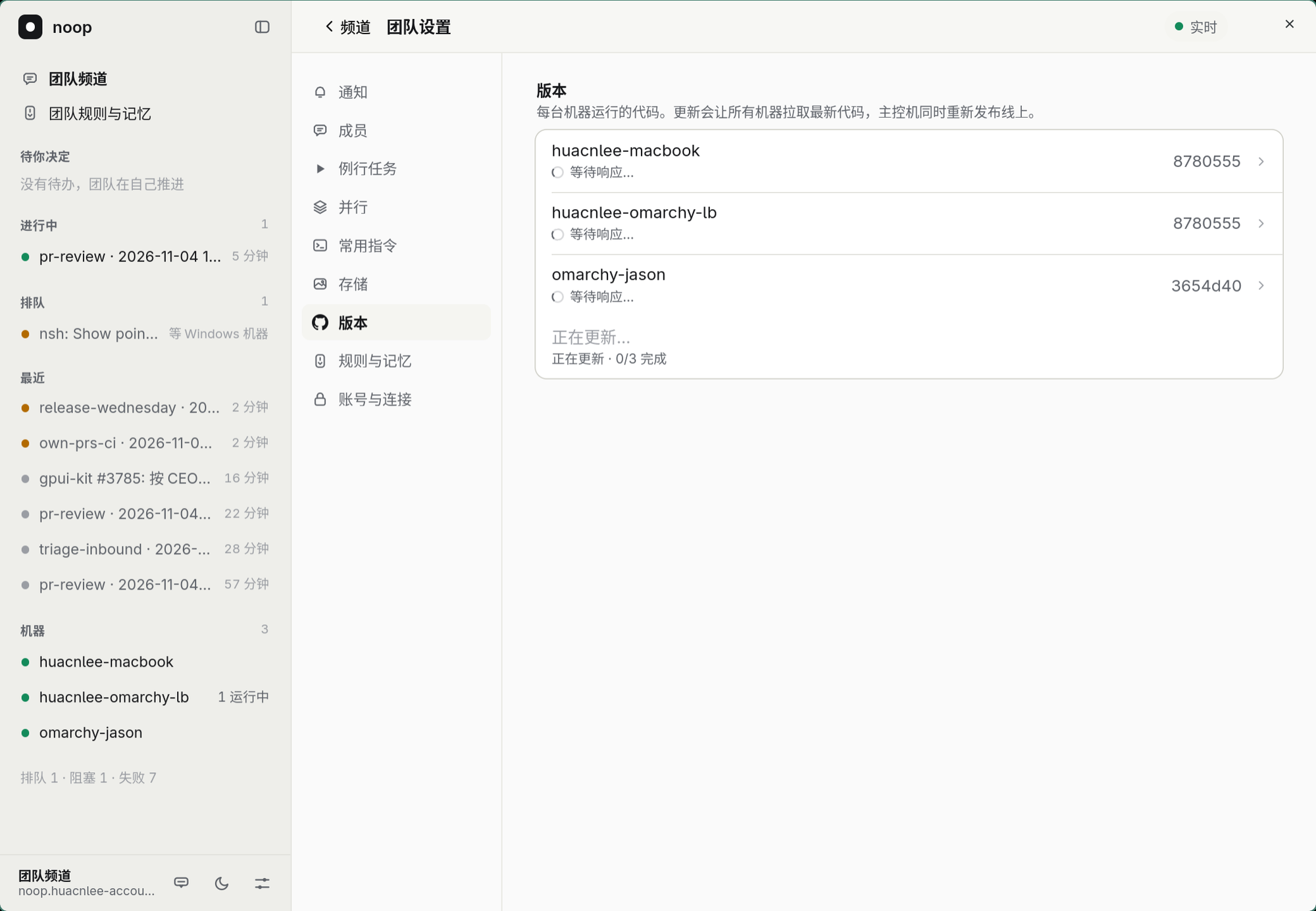
Say what. Get results.
You hear about results and decisions, and nothing else.
Give it a goal.
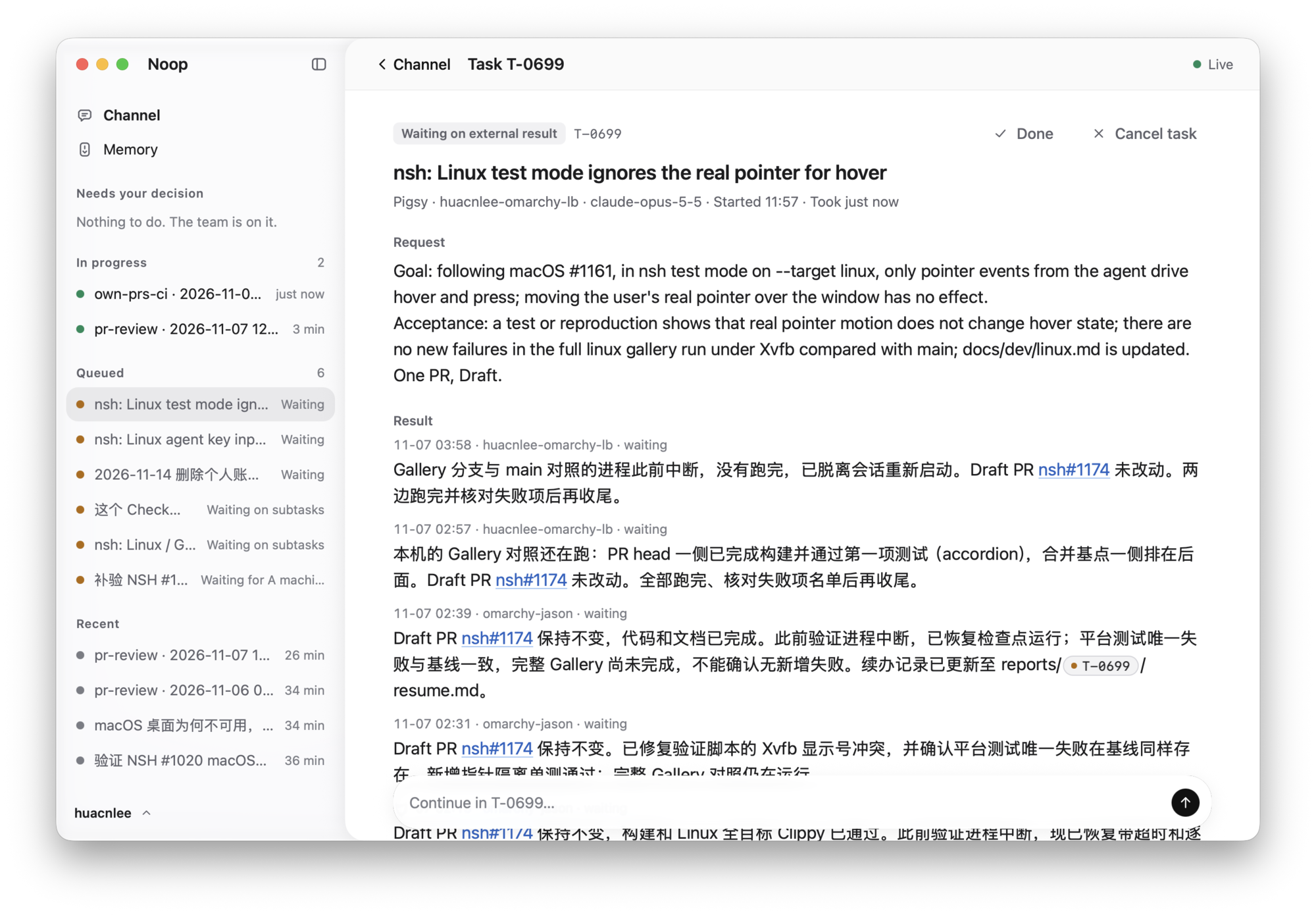
One sentence is enough. Noop breaks the work down, runs it in parallel and comes back with results.
It learns how you decide.
It starts cautious and asks more early on, then takes over more as it proves it decides like you.
Answer when it asks.
When it needs you, you get a notification with the choices. Answer right there.
A team that works for you, on your own terms.
- Yours
- It runs on your machines and your own free Cloudflare account. No shared service, and no one else’s server.
- Quiet
- No noise and no raw errors. Routine failures stay with the team, and what reaches you is results and decisions.
- Risky steps come to you
- Agents are instructed to bring merges, releases and pushes to main to you as decisions. With Claude Code, the common commands are also blocked at the tool level until you answer.
- Changes can be undone
- Versions of the team’s shared files stay in history for up to 90 days and can be reverted, including the rules the team edits for itself.
- More machines, no waiting
- One always-on macOS or Linux machine is the primary. Others claim work when they’re online, and only make outbound connections.
- On every device
- Apps for macOS, Linux, Windows, Android and iOS, or just open your Noop address in a browser and sign in with a one-time code.
Guest workers for shared machines.
Need a test box you share with other people, like a Windows machine several accounts log into? Run a guest worker there. It can neither read your team’s memory nor be used against your Noop.
- One-time join code
- Run noop guest invite on a trusted machine to get a join command valid for 10 minutes. The guest receives its own token that you can revoke at any time, never the machine key.
- Narrow permissions
- A guest can only claim tasks assigned to it, send back results and report it is alive. No memory, chat, settings, journal or decisions, and none of your GitHub or model credentials: it uses the machine’s own model login.
- Results are untrusted
- Everything a guest returns is marked untrusted. Nothing is merged or applied automatically; you or the primary review it first.
- One machine, many accounts
- Each OS account keeps its own guest home, so people sharing the machine never see each other’s tasks or tokens.
# trusted machine
noop guest invite "shared-win-1"

# shared machine, in the account that runs it: paste the install line the invite prints
# (Windows: $env:NOOP_GUEST = "<url> <code>"; irm https://huacnlee.github.io/noop/install.ps1 | iex)
# it joins and runs in the background from then on; noop guest uninstall stops it

# hand it a self-contained task, then review what comes back
noop guest assign G-xxxx T-1234 "Run the Windows install test" -b "steps…" --repo https://github.com/o/r
noop guest results
noop guest revoke G-xxxx