

Your Path of Building, in your language
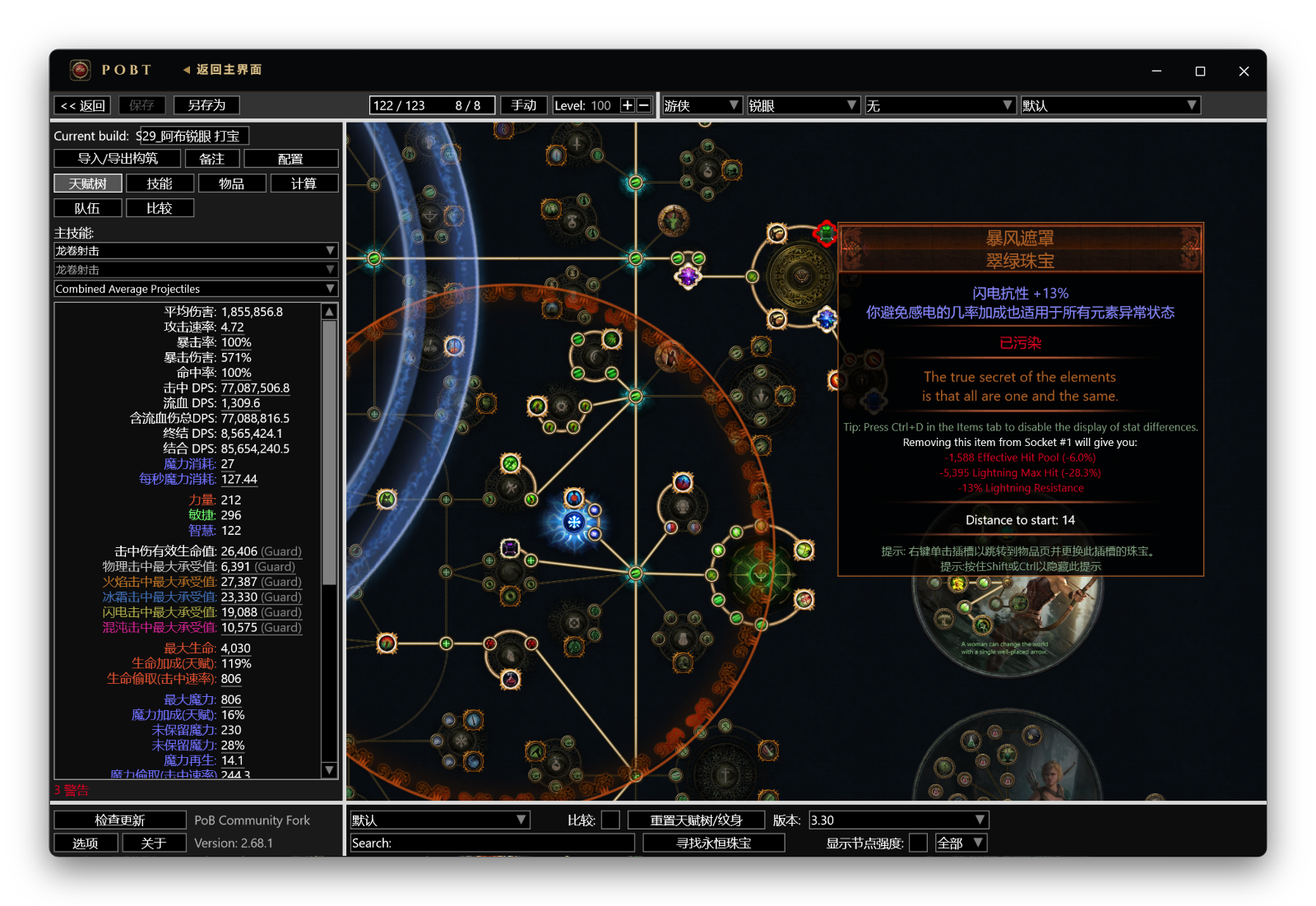
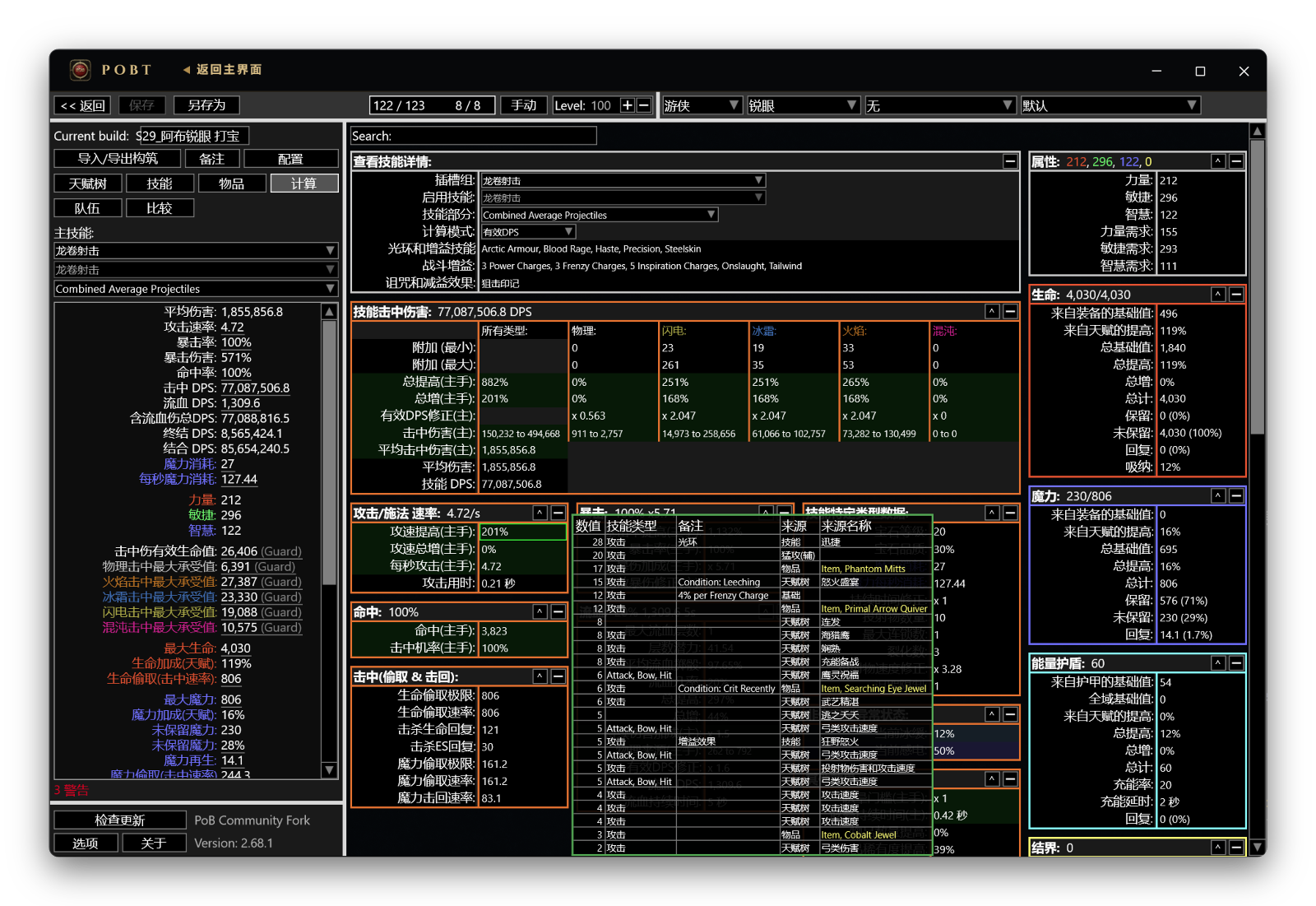
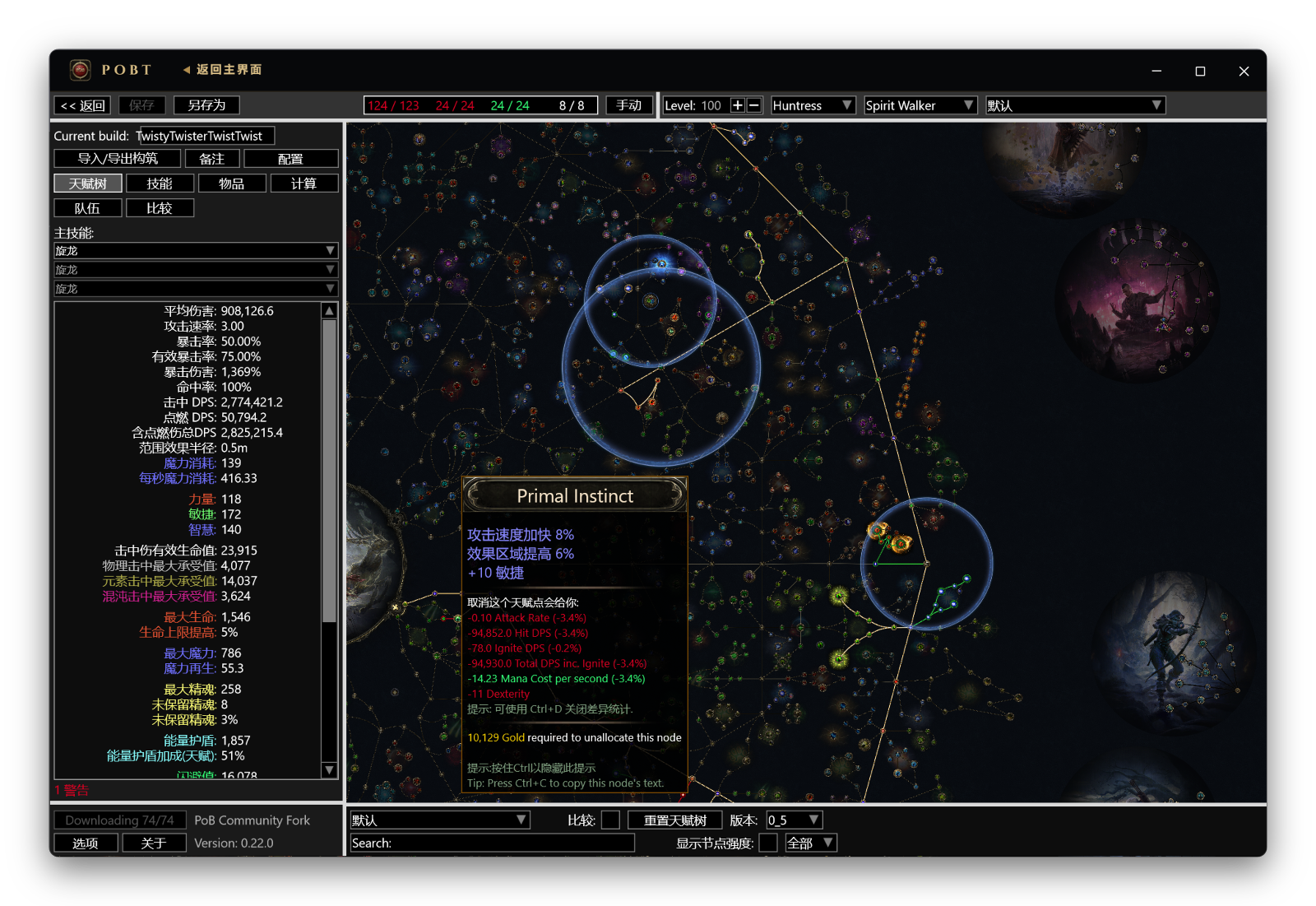
POBT runs the Path of Building Community you already have, with its whole interface translated: skills, items, passives, calculations. Simplified Chinese, Traditional Chinese and Korean, switchable any time.
Download for WindowsFree · .zip · 64-bit Windows 10 / 11 · no installer needed
or install with a script · macOS and Linux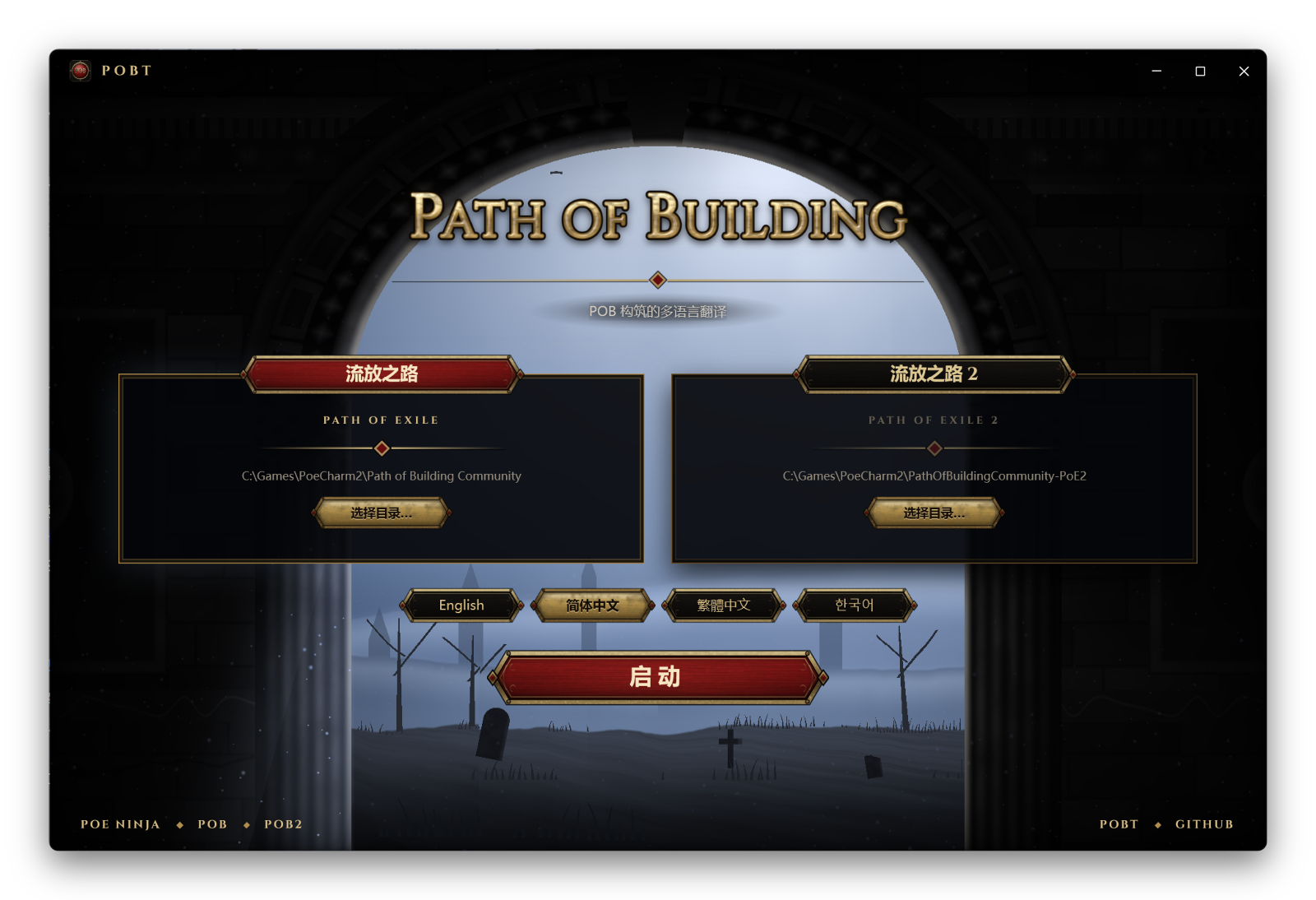
What it does
- Translates Path of Building for Path of Exile 1 and 2
- Adds Simplified Chinese, Traditional Chinese and Korean
- Your Path of Building files are never modified
- Ctrl+Shift+T switches to English and back
- Updates itself when a new version is out
- Starts faster and idles at a sixth of the CPU of Path of Building's own program
In place of Path of Building's own program
POBT runs Path of Building's own code with its own program in place of Path of Building.exe and its graphics runtime. On the same PC, with the same build open on the passive tree:
| POBT 0.2.0 | Path of Building 2.68.1 | |
|---|---|---|
| Start to the build on screen | 2.70 s | 3.38 s |
| Start to the build list | 1.51 s | 1.87 s |
| CPU while idle | 8.0% of a core | 46.4% of a core |
| Private memory | 893 MB | 1,011 MB |
| Peak private memory while loading | 1,007 MB | 1,507 MB |
| Working set | 725 MB | 517 MB |
| Native files to run it | 50 MB (20 MB zipped) | 28 MB (11 MB zipped) |
The official 0.2.0 release, medians of 5 warm runs on an i7-13700KF, 32 GB, RTX 3060 Ti, Windows 11, both windows 1600×1000 in front, POBT showing Chinese. Path of Building uses less working set and less disk; POBT starts faster, uses less private memory and a sixth of the CPU at idle.
Install in a minute
No setup program and no scripts: unpack the zip and run it.
- I
Download
Get pobt-windows-x86_64.zip with the button above.
- II
Unpack
Right-click the zip and choose Extract All, to any folder you like.
- III
Run POBT.exe
Windows may ask whether to run it, as with any new program: choose More info, then Run anyway.
- IV
Pick your POB
POBT finds Path of Building on its own; if not, choose its folder, or Install downloads it for you. Pick the game and the language, then Start.
Prefer a script?
In PowerShell, this installs POBT to your user folder with Start menu and desktop shortcuts, and updates it when run again.
irm https://huacnlee.github.io/pobt/install.ps1 | iexmacOS and Linux
On macOS (Apple silicon) or Linux (x86_64, arm64), run this in a terminal to install POBT, and again to update it.
curl -fsSL https://huacnlee.github.io/pobt/install.sh | bashIt checks the download's checksum, then puts POBT.app in Applications on macOS; on Linux it installs to ~/.local/share/pobt with a pobt command and an app launcher entry.
Read the scriptWhat you need
- 64-bit Windows 10 or 11, macOS on Apple silicon, or Linux (x86_64, arm64)
- Path of Building Community for Path of Exile 1, 2 or both: POBT installs it if you have none
- Microsoft YaHei, which Windows includes, for the text
Questions
Does POBT change my Path of Building?
No. It runs Path of Building's own code and files as they are; your builds stay where Path of Building keeps them, and Path of Building still runs on its own.
How is this different from PoeCharm?
POBT is a new program with the same idea, built on Native Shell. It uses the translations PoeCharm2's contributors wrote.
Can I switch back to English?
Press Ctrl+Shift+T while POBT runs, or pick English in the launcher.
Path of Building has an update: does POBT keep up?
Yes. POBT runs whatever Path of Building you have installed, so update Path of Building as usual.
A translation is wrong or missing.
The translations are plain CSV files in the repository: open an issue or a pull request on GitHub.
Support POBT
POBT is free and always will be. If it saves you time in your builds, you can support its development on GitHub Sponsors.
Thanks
- Path of Building Community
the planner POBT runs
- PoeCharm2
the translations
- Native Shell
the framework POBT is built with